
Student Progress for Driving Instructors

Instructor is a tool designed for driving instructors that enables them to quickly track student progress as they are teaching them to drive. There is support for tracking upcoming lessons and the ability to create custom topics as well as using existing presets. As featured on 9to5Mac. Instructor is available to download on iOS, iPadOS, macOS and visionOS.
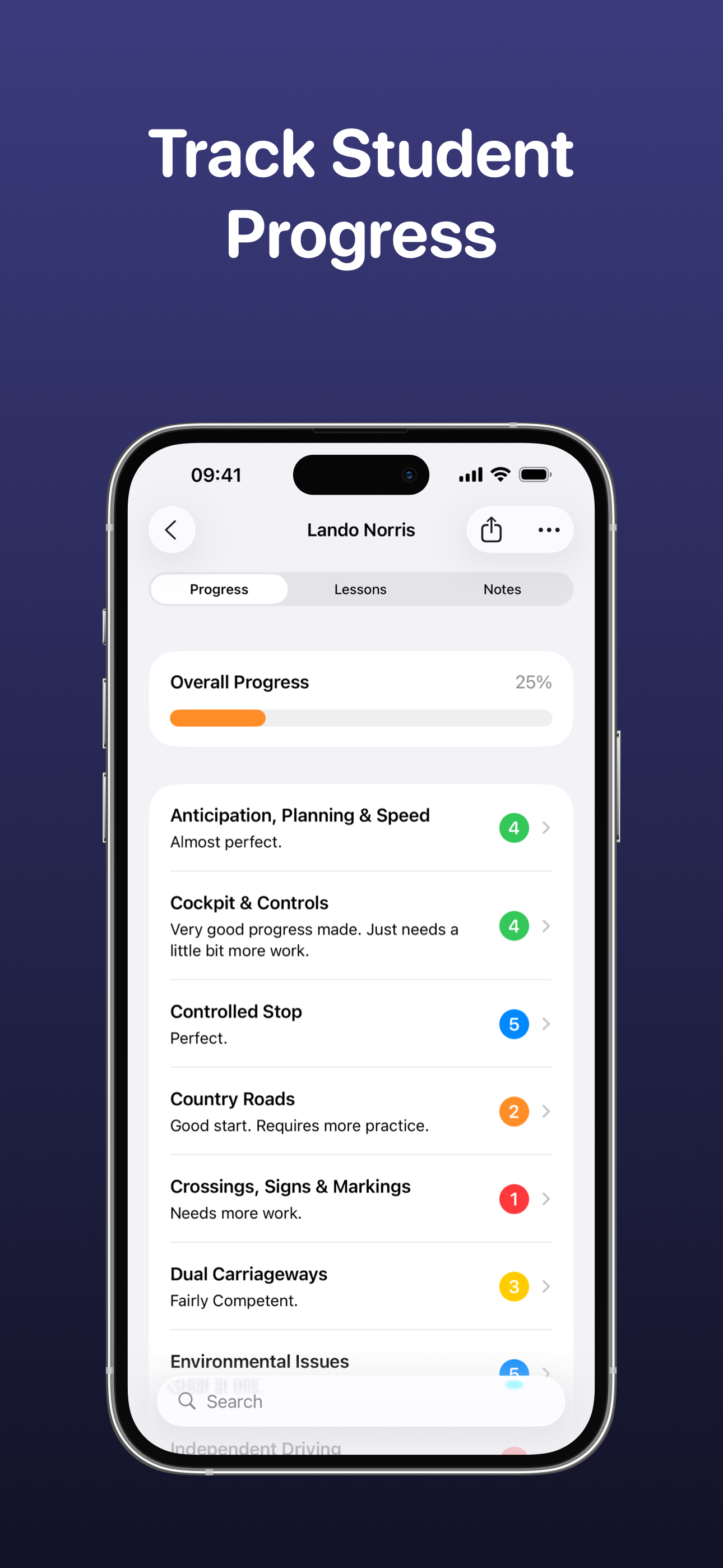
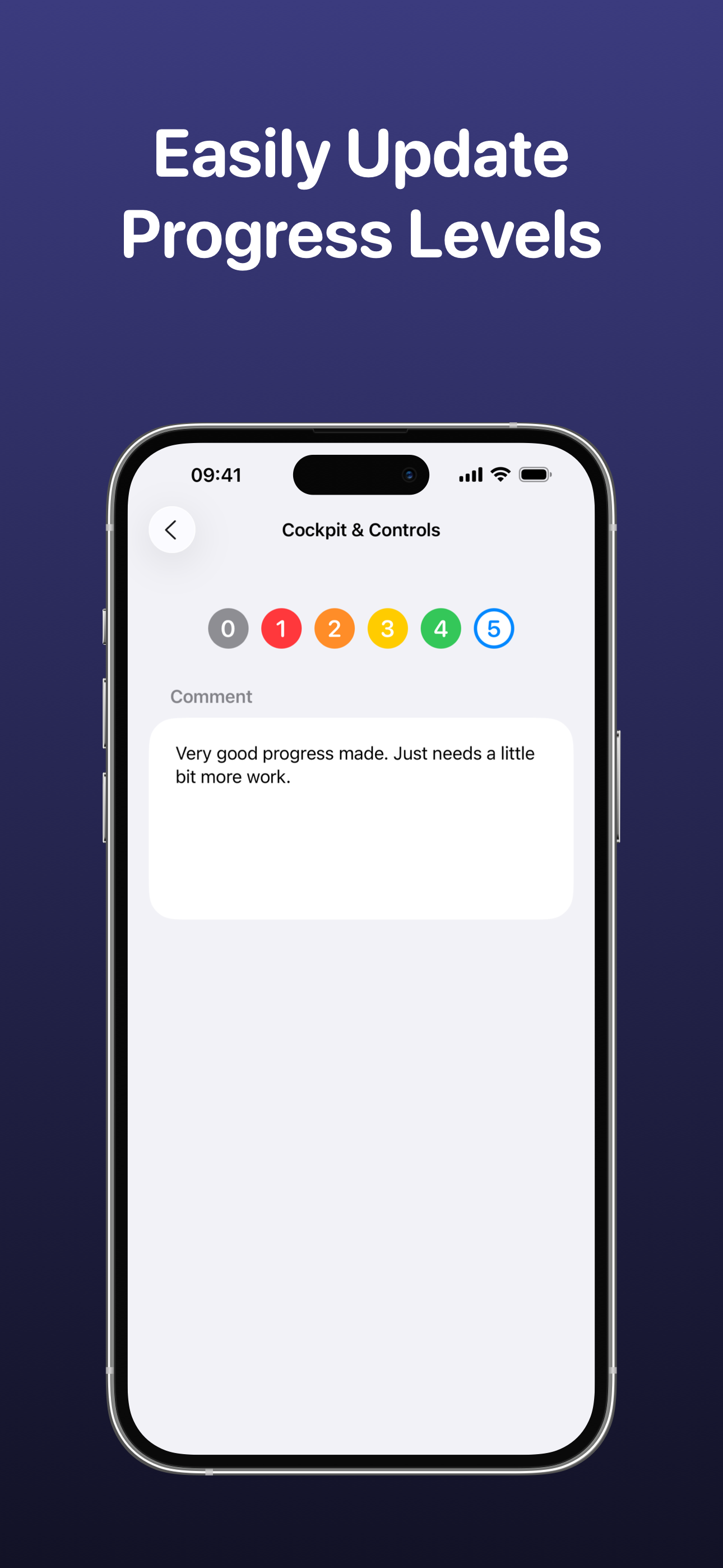
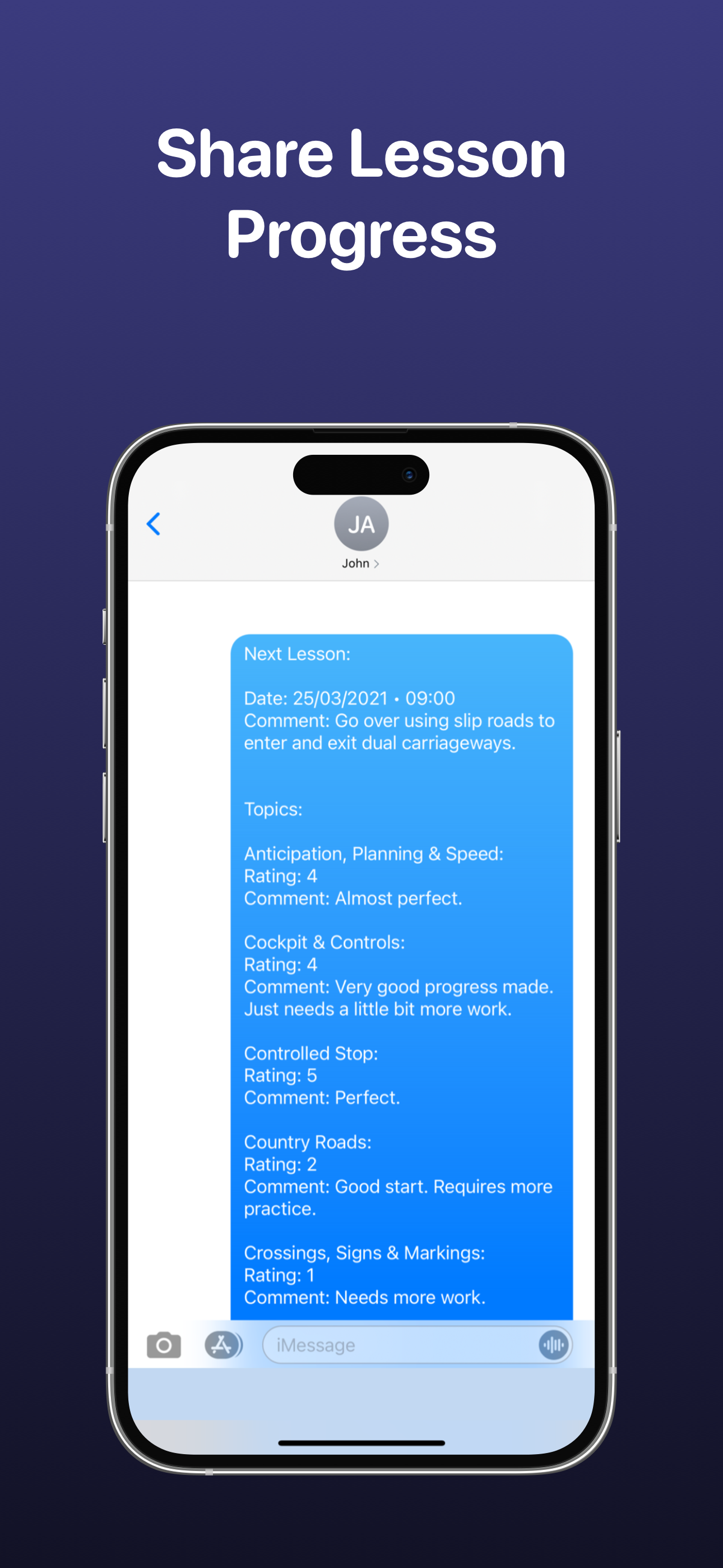
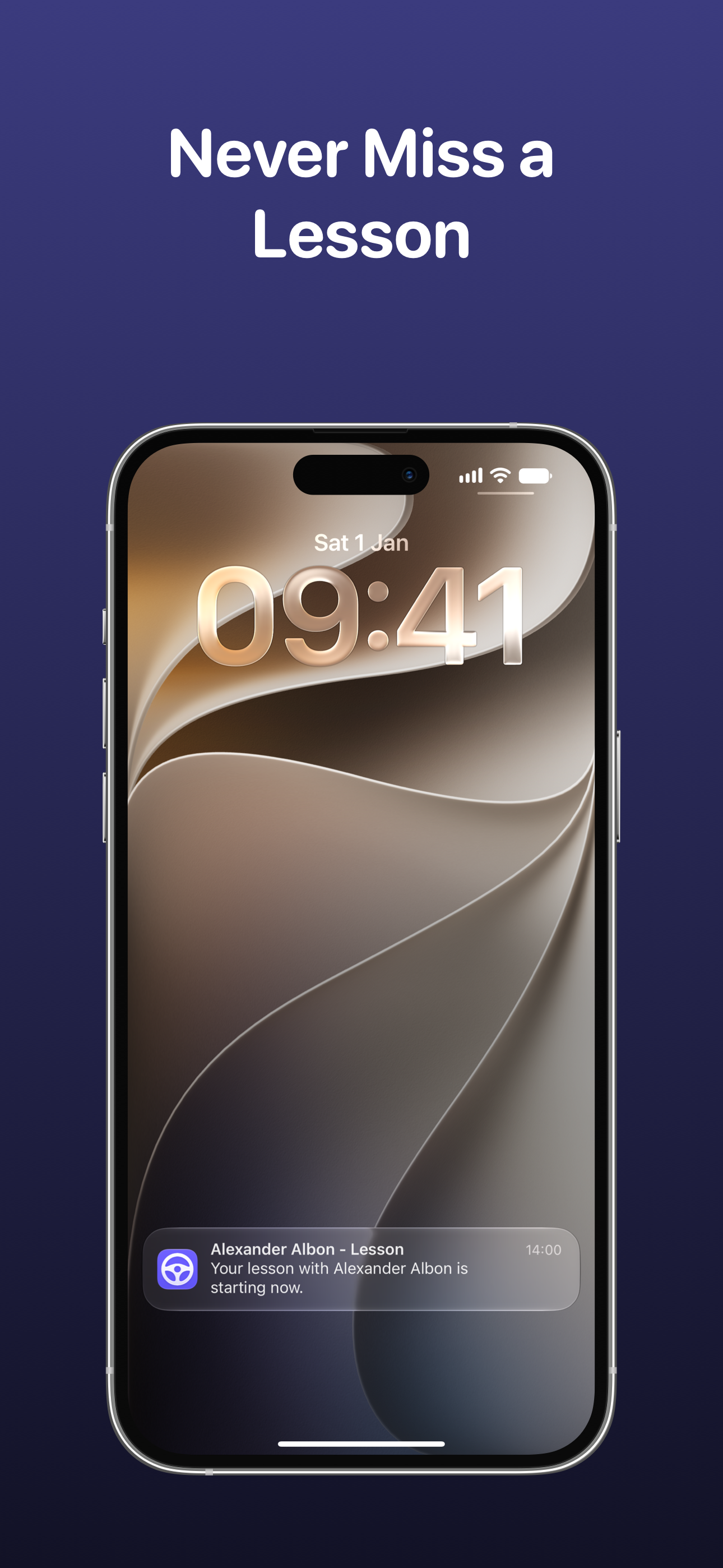
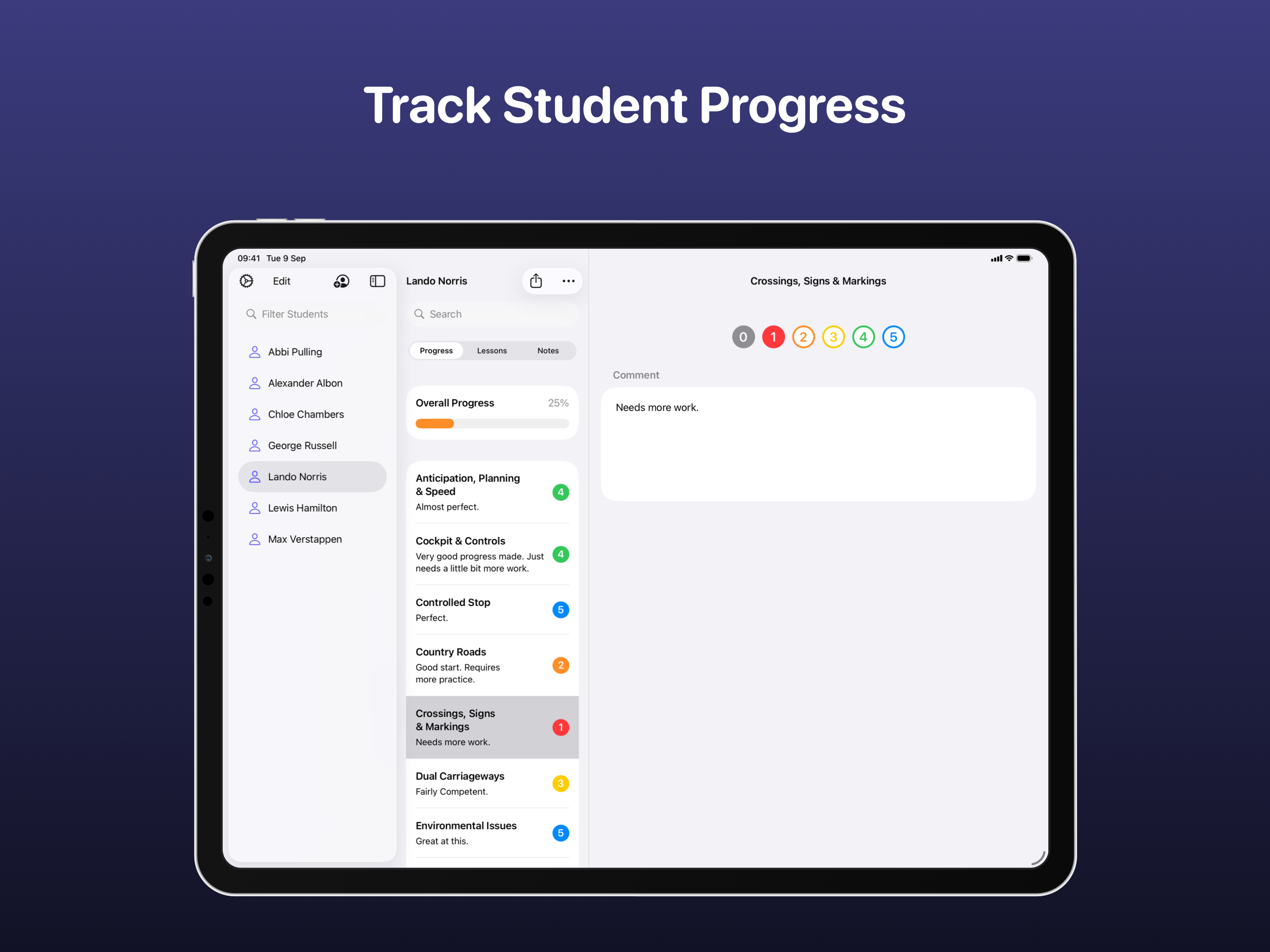
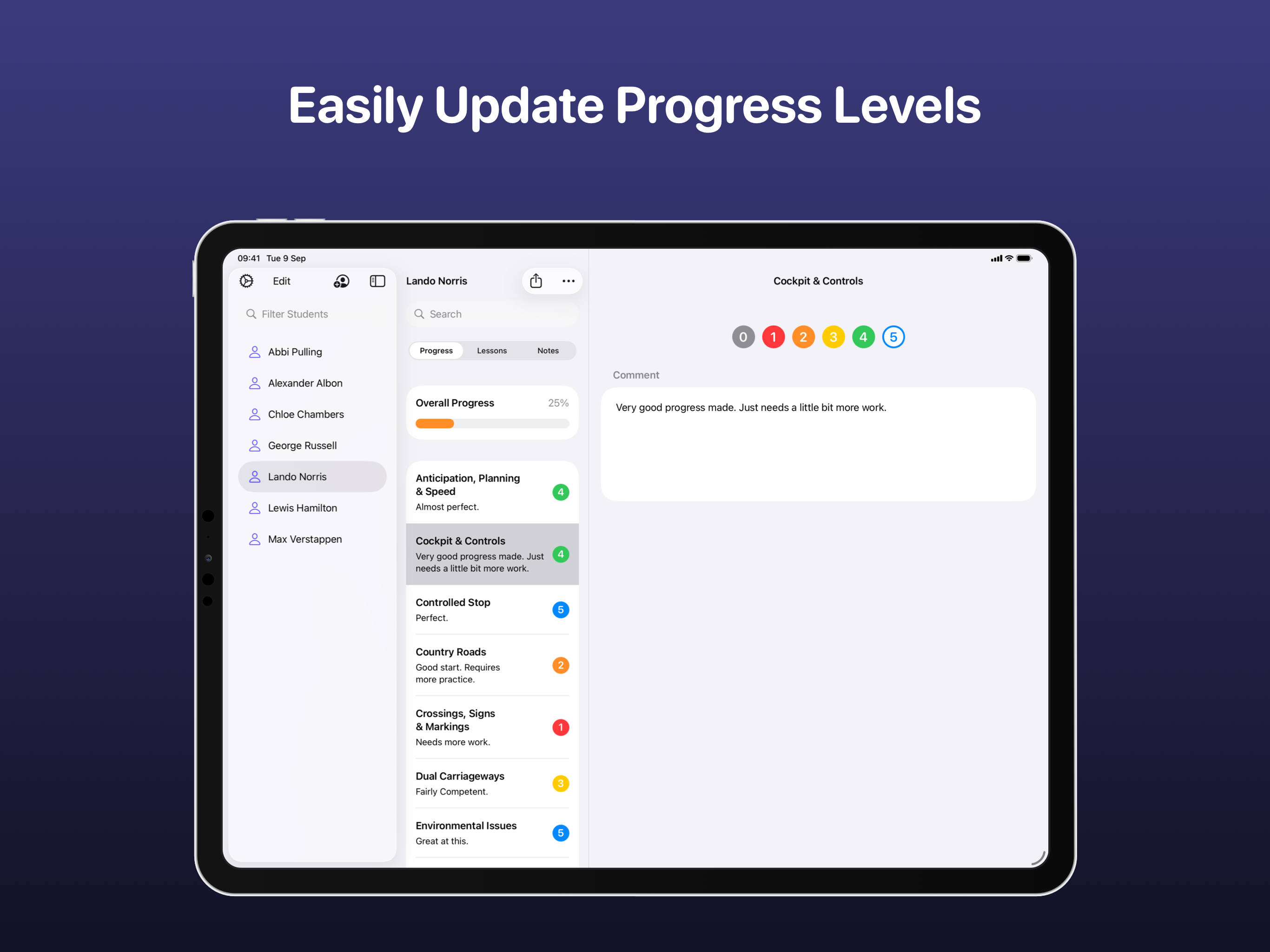
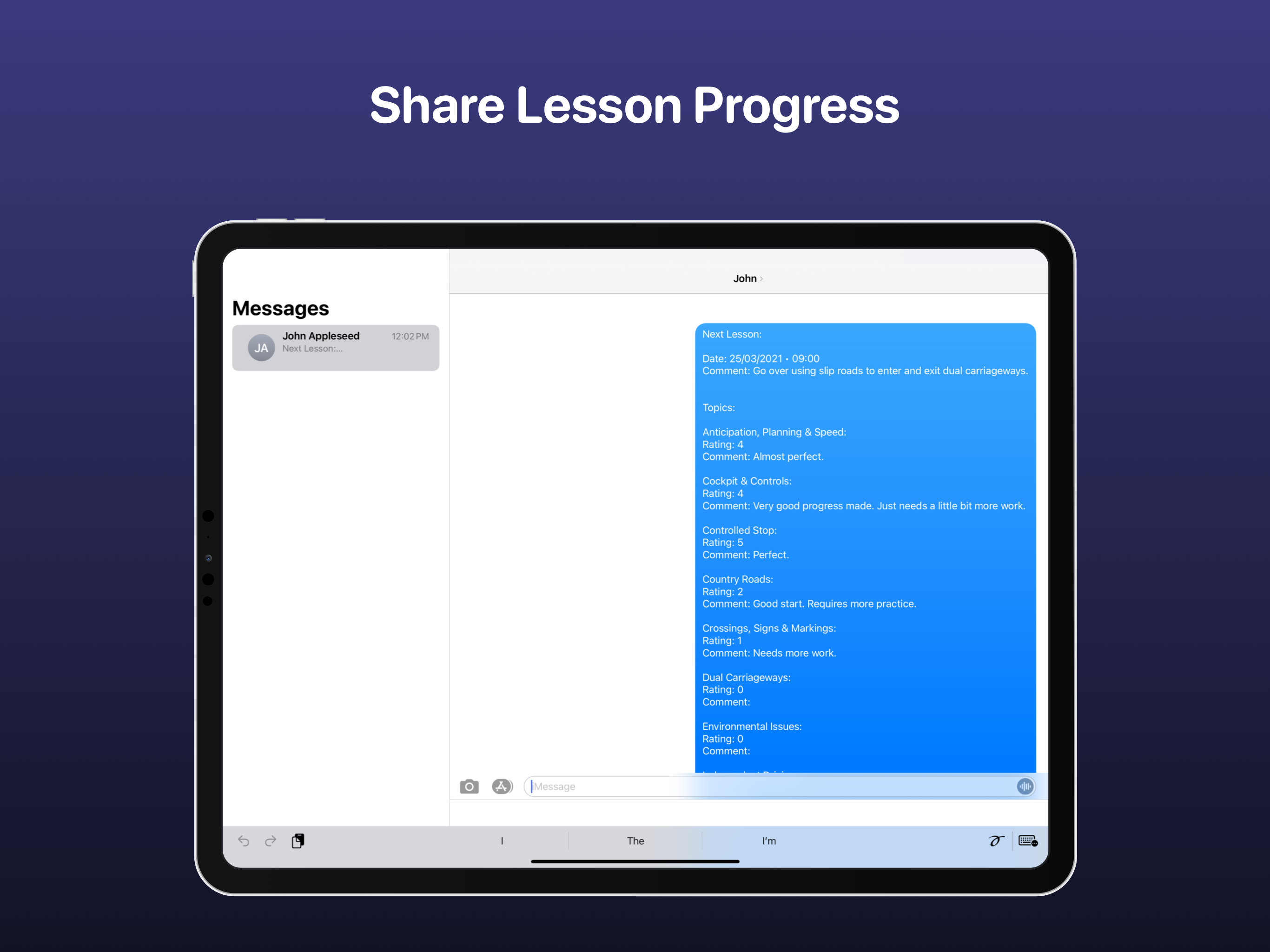
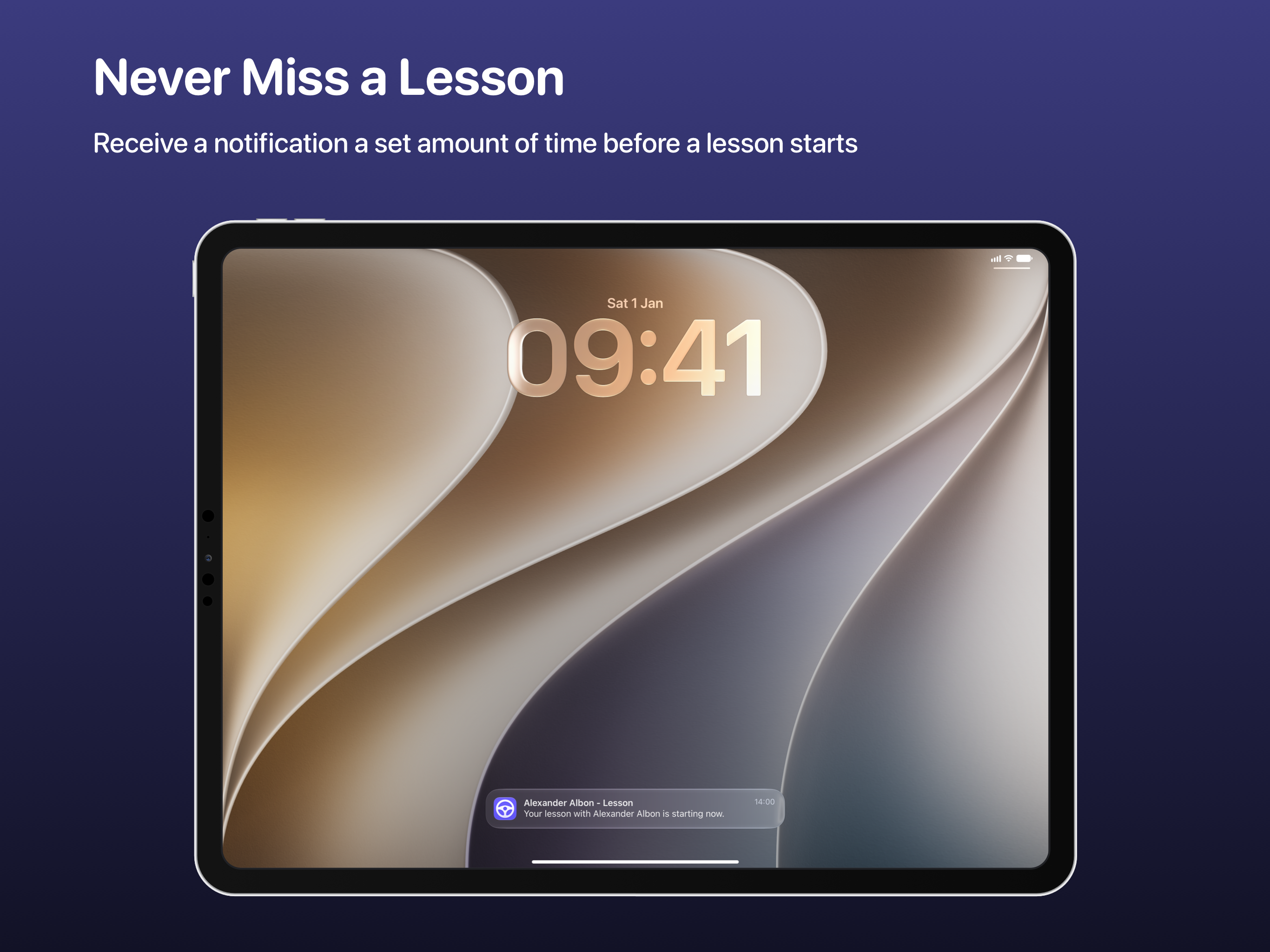
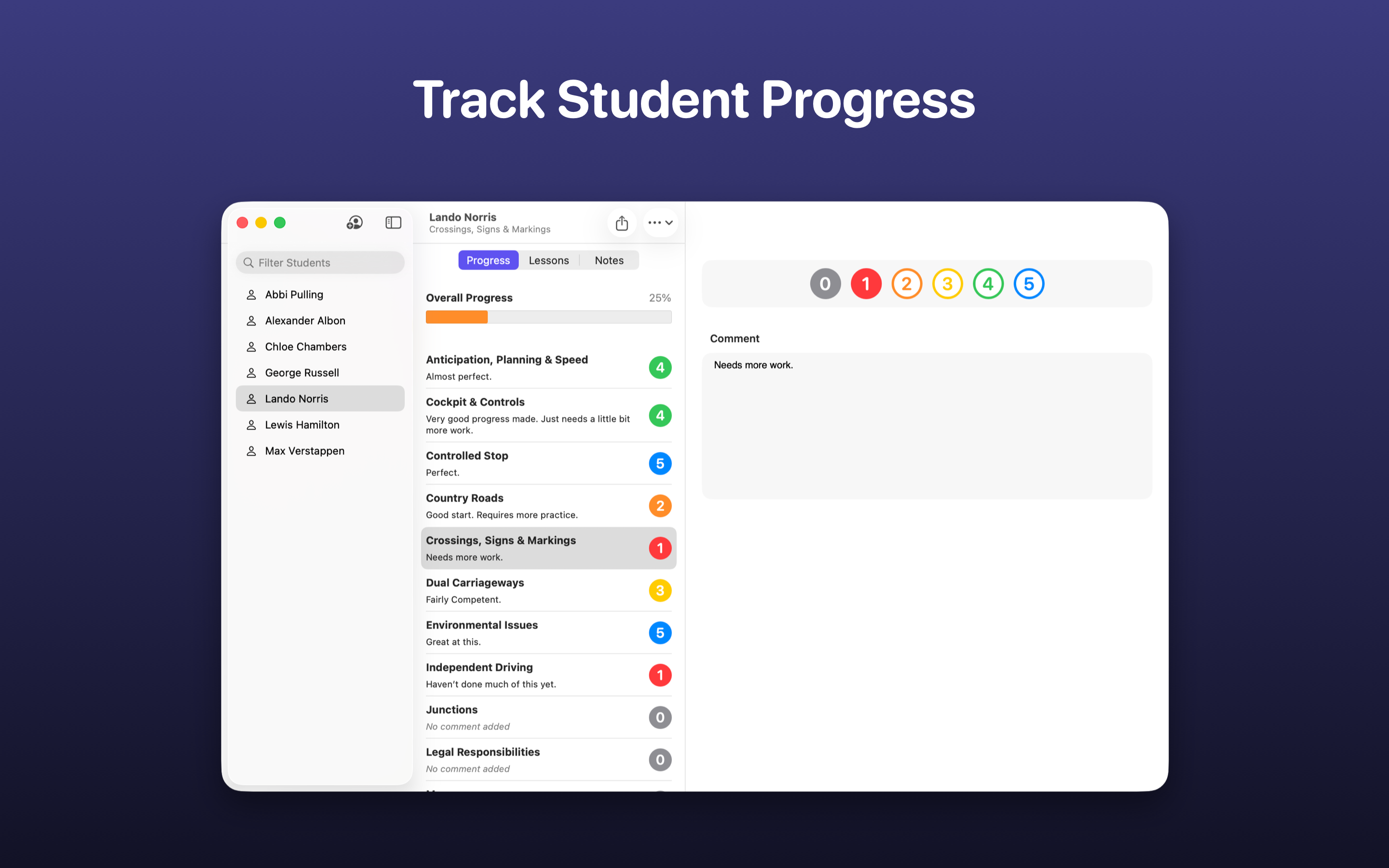
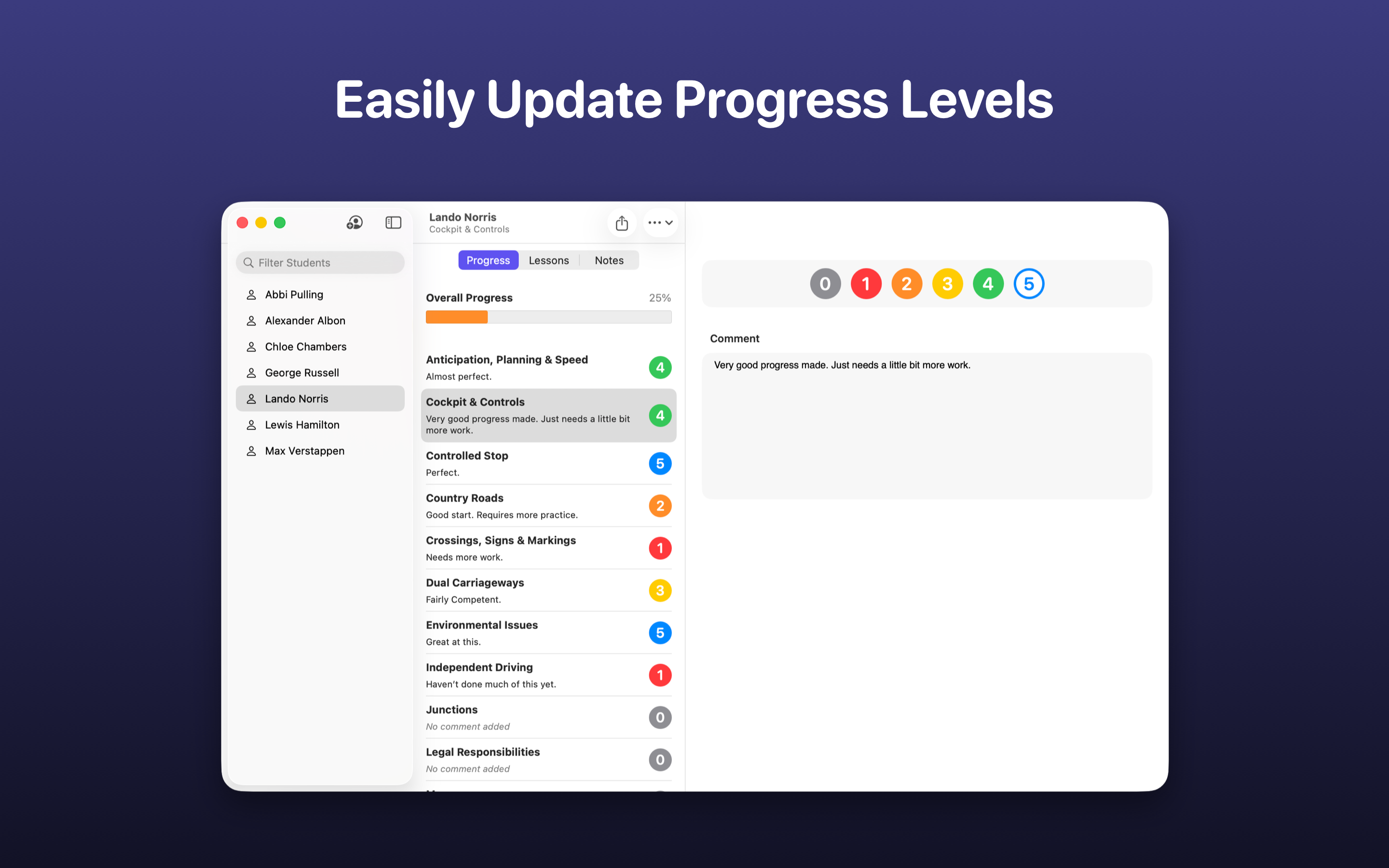
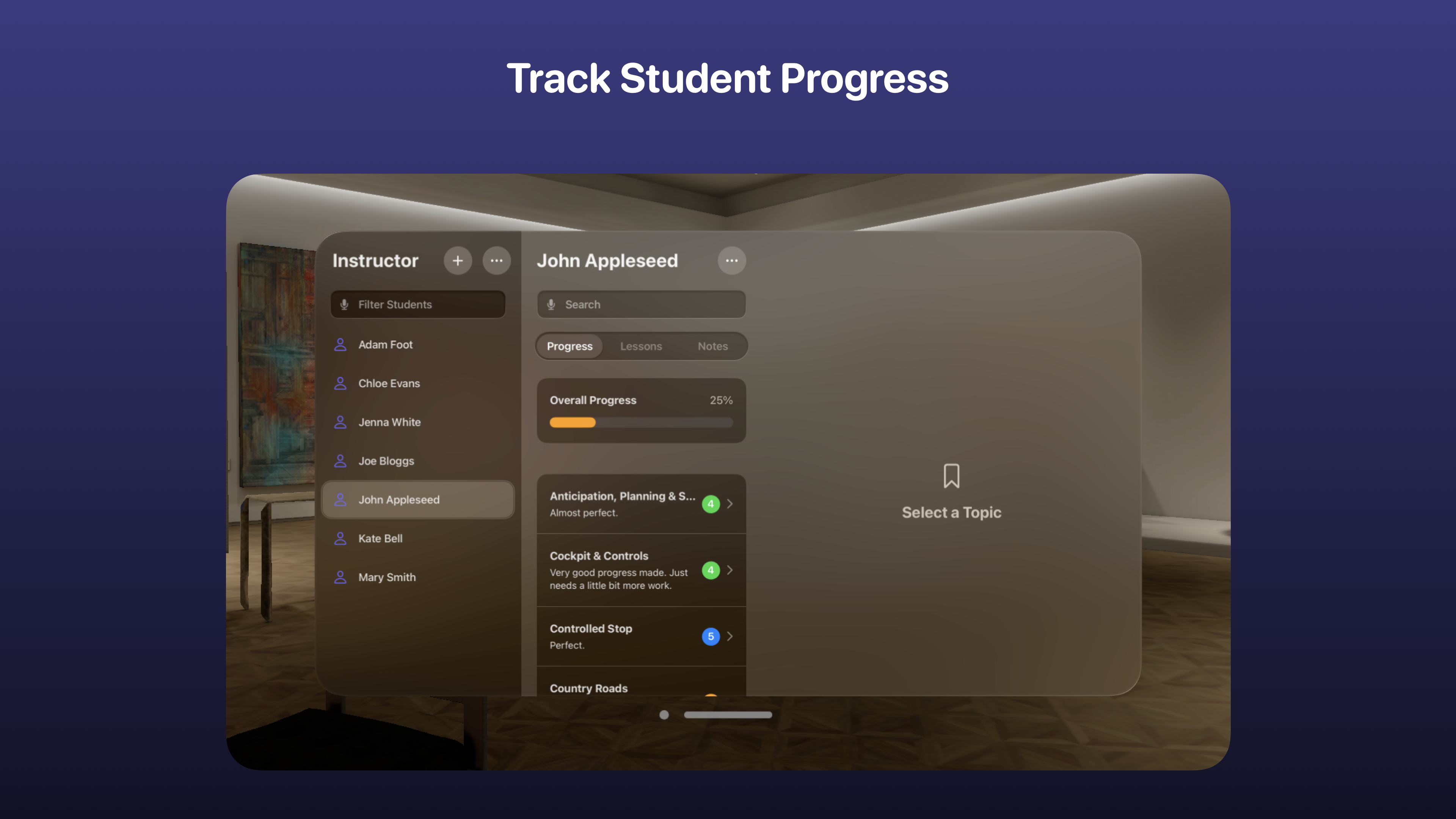
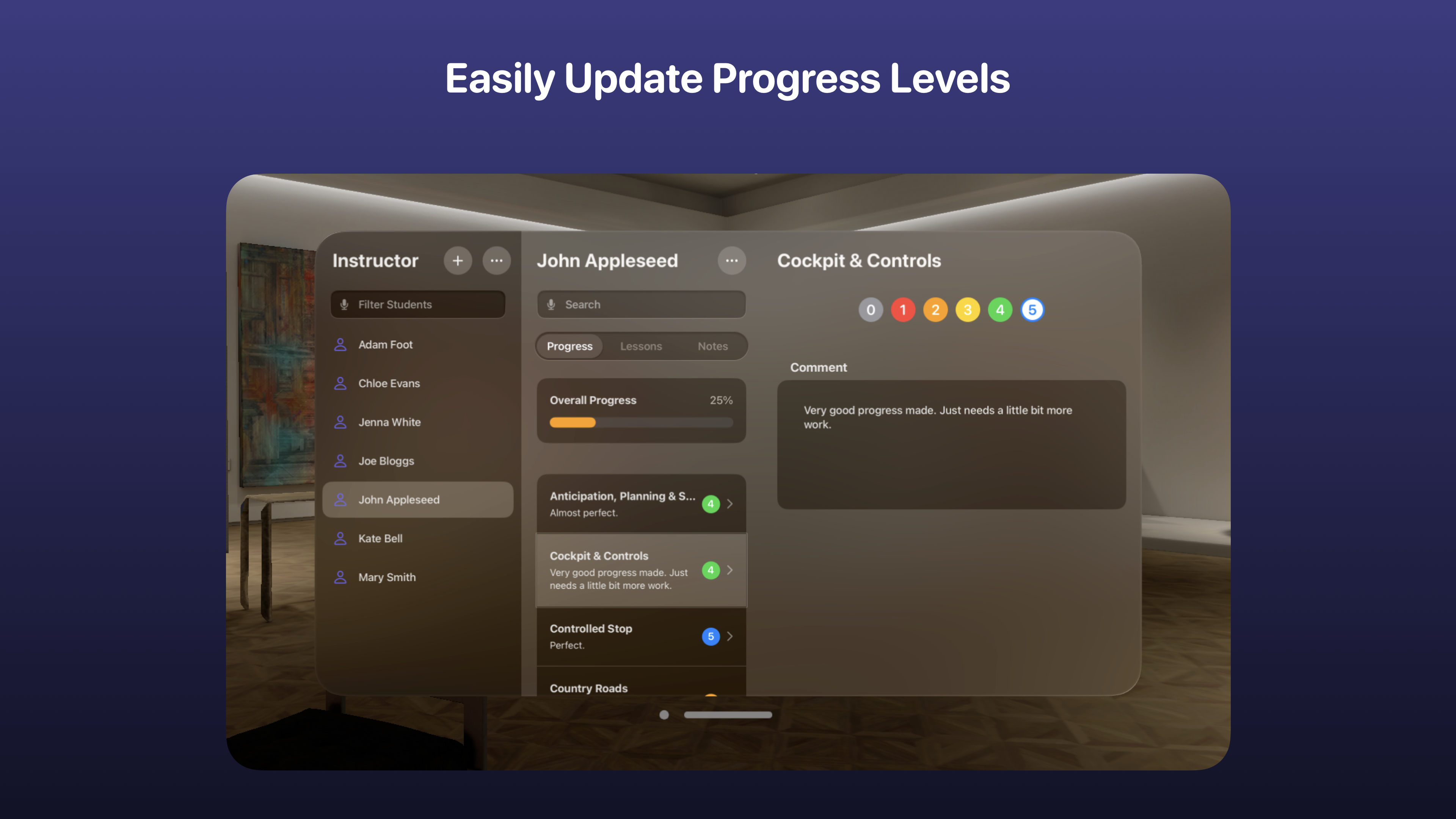
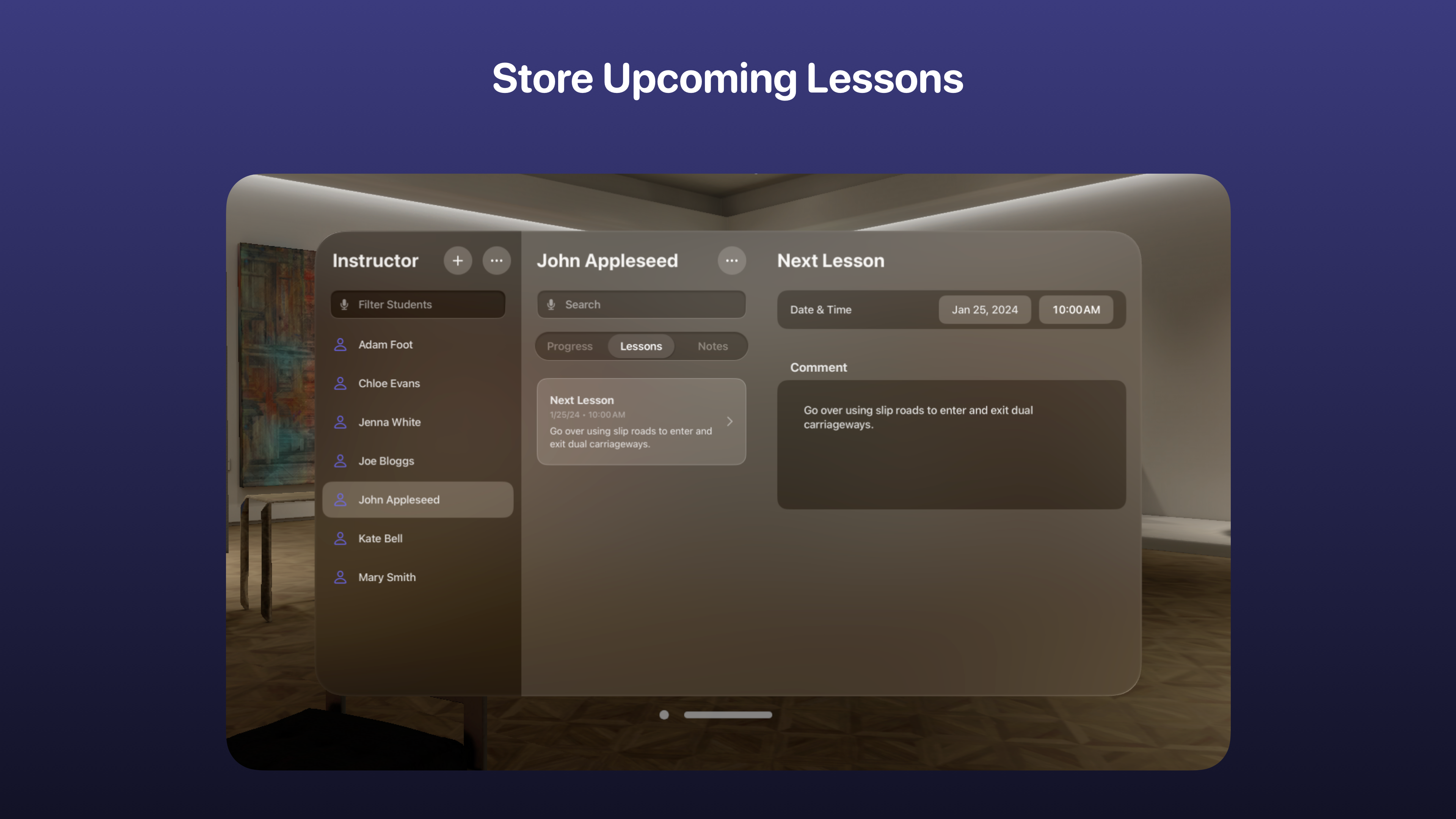
As a driving instructor, knowing how well your students have progressed is crucial. Luckily, Instructor makes that quick & easy! A simple percentage & coloured scale allows you to visually see how well a pupil is doing on a per topic basis. Add comments to point out what they’ve done well and ways in which they could improve.
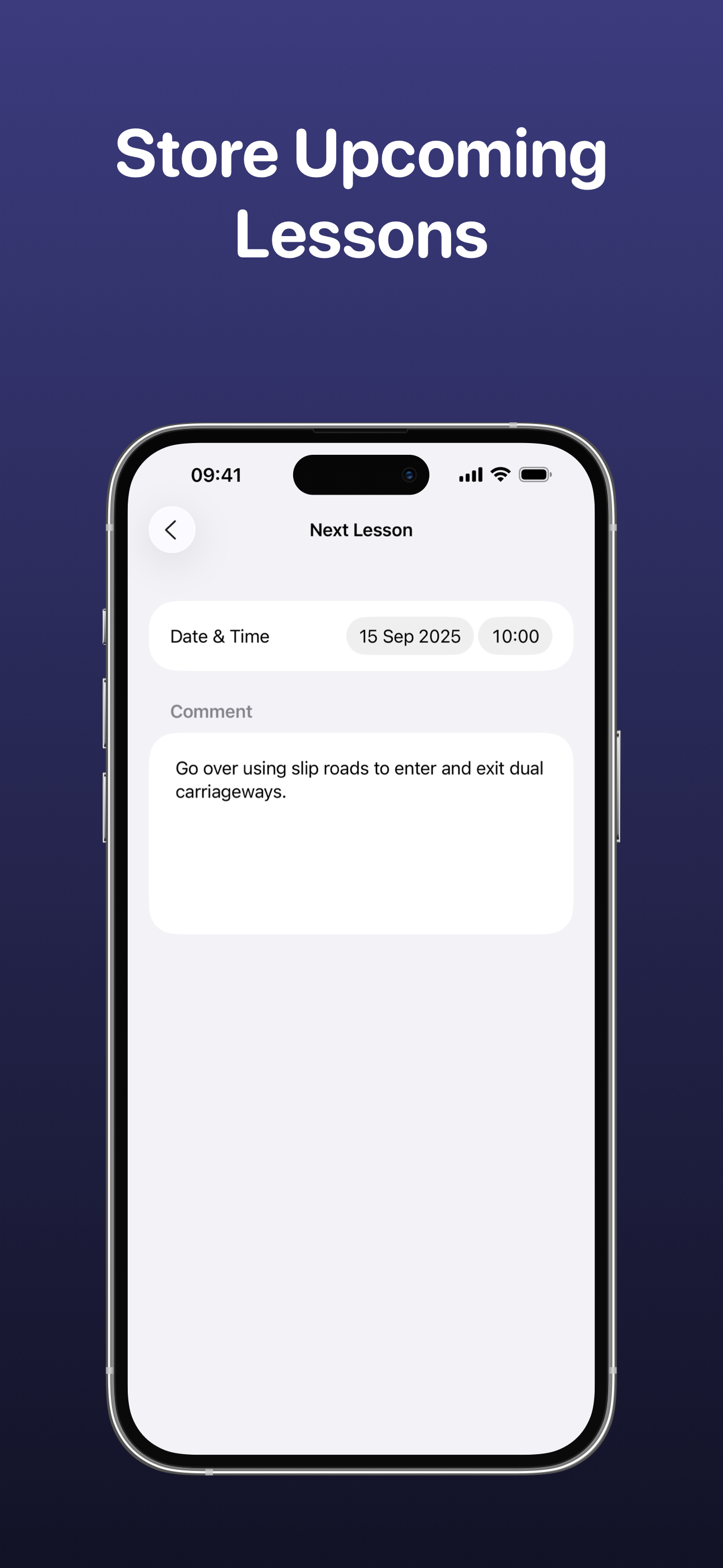
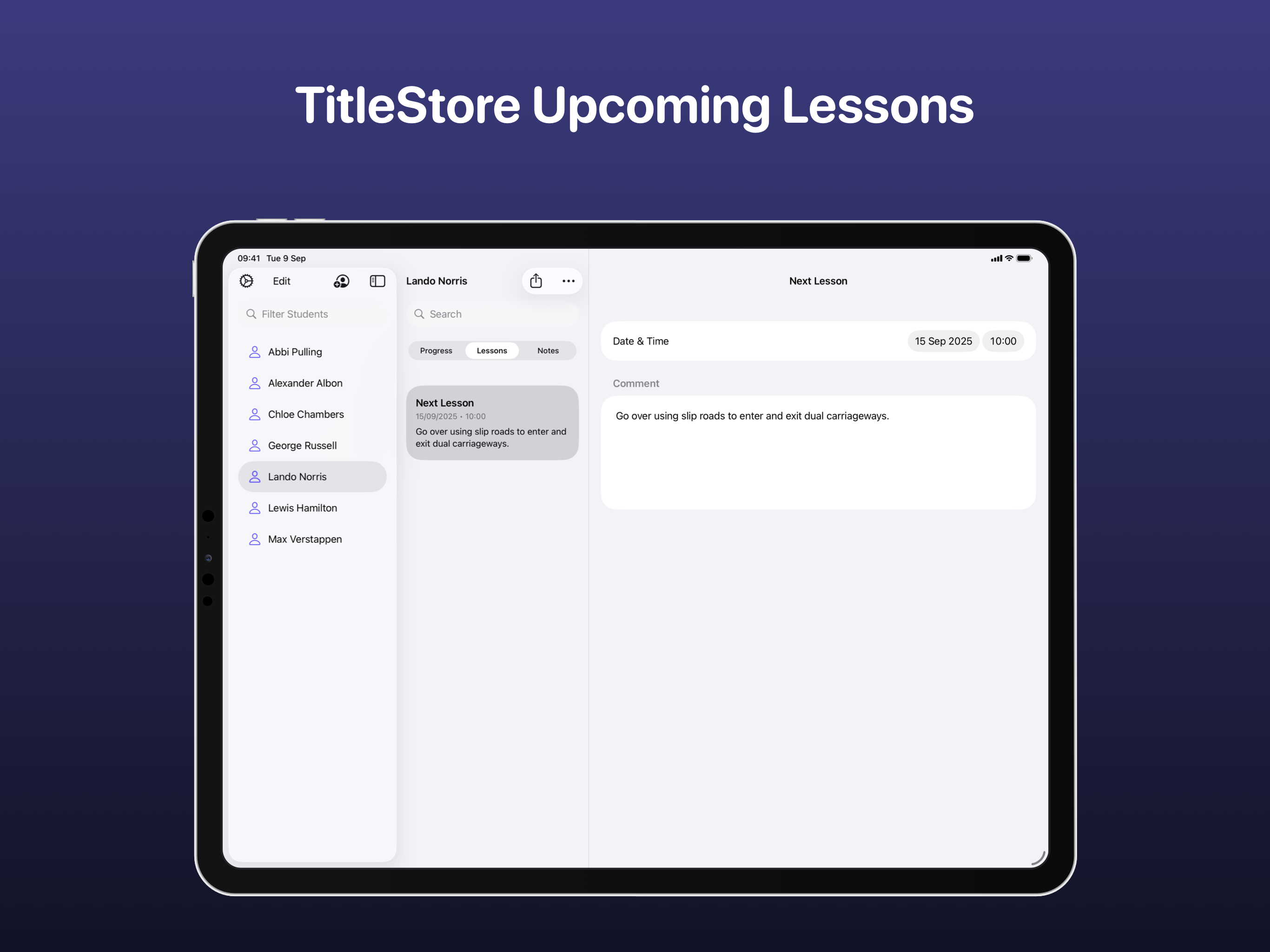
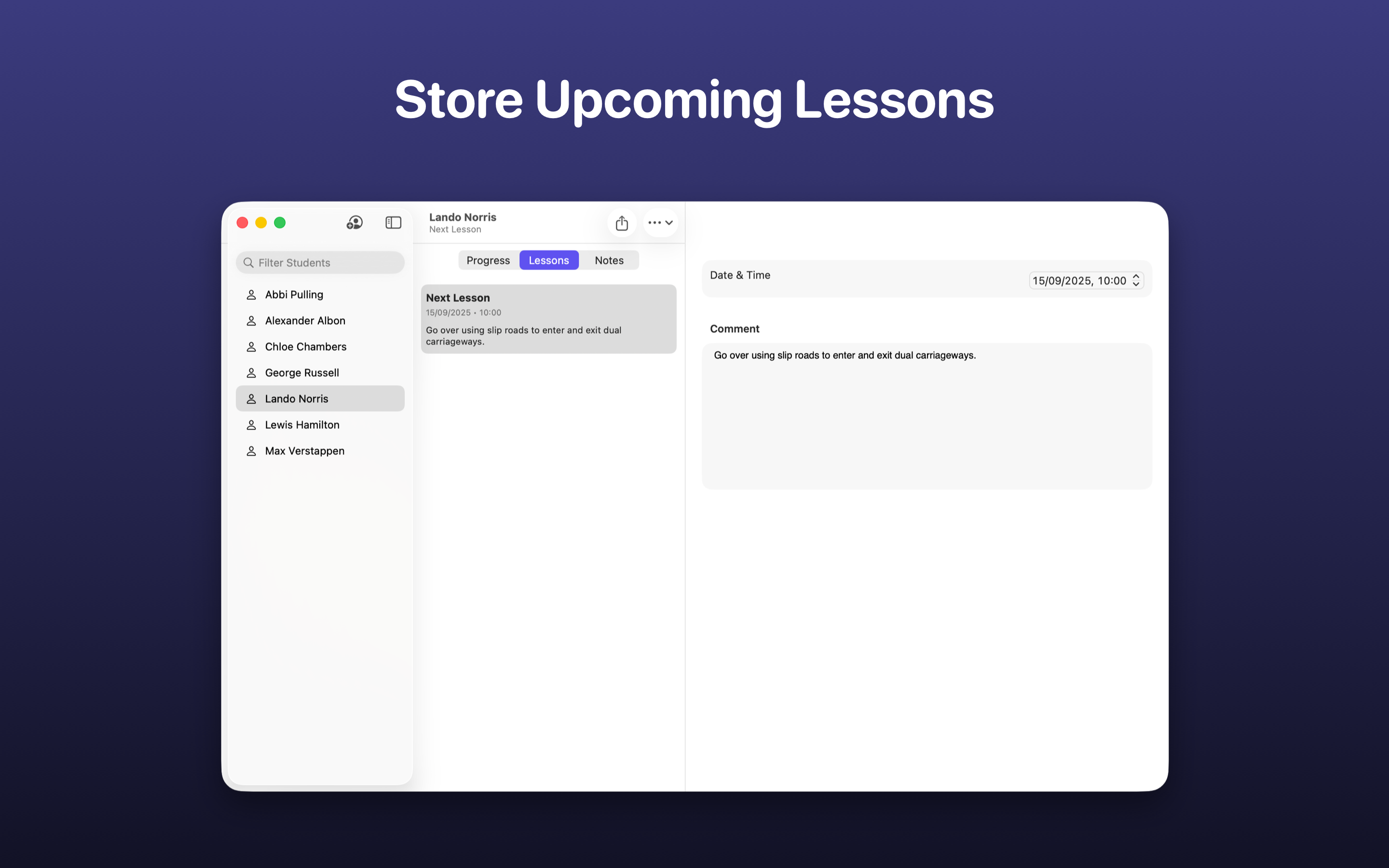
It’s easy to add a new lesson to your diary with the ability to set a duration, type (lesson, test or mock) and whether the student has paid. Reminders can also be set and there is the option for syncing with the Calendar app too.
Manage expenses, log mileage and keep track of your earnings. Lessons can be credit-based or pay-per-lesson (or a combination of both) to support your business model.
Draw using an Apple Pencil or your finger over a map or plain whiteboard to demonstrate manoeuvres. Snapshots can even be saved for later for you to come back to and show other students.
If you’re using more than one device, Instructor automatically syncs all of your learner progress across all iCloud connected devices - no login required! Your data is available offline too.
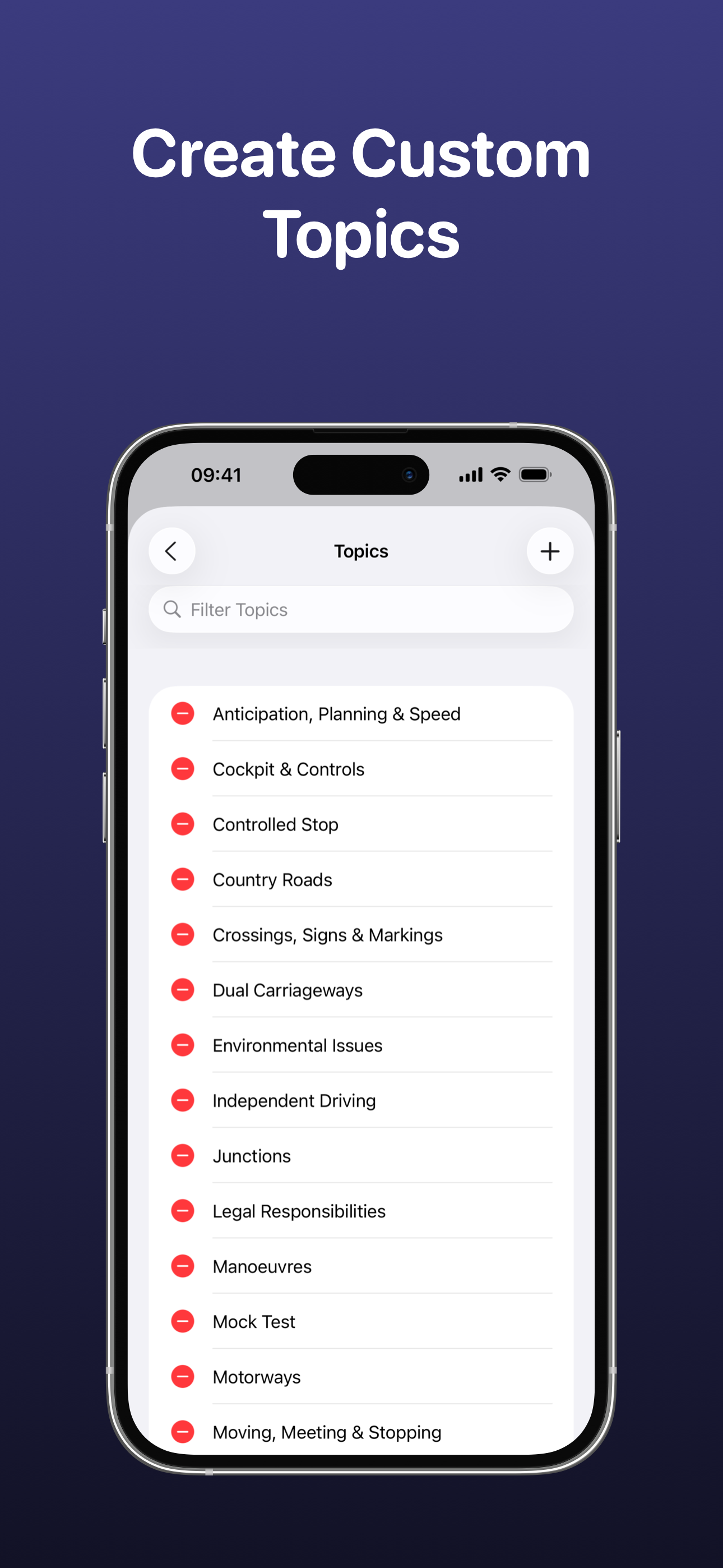
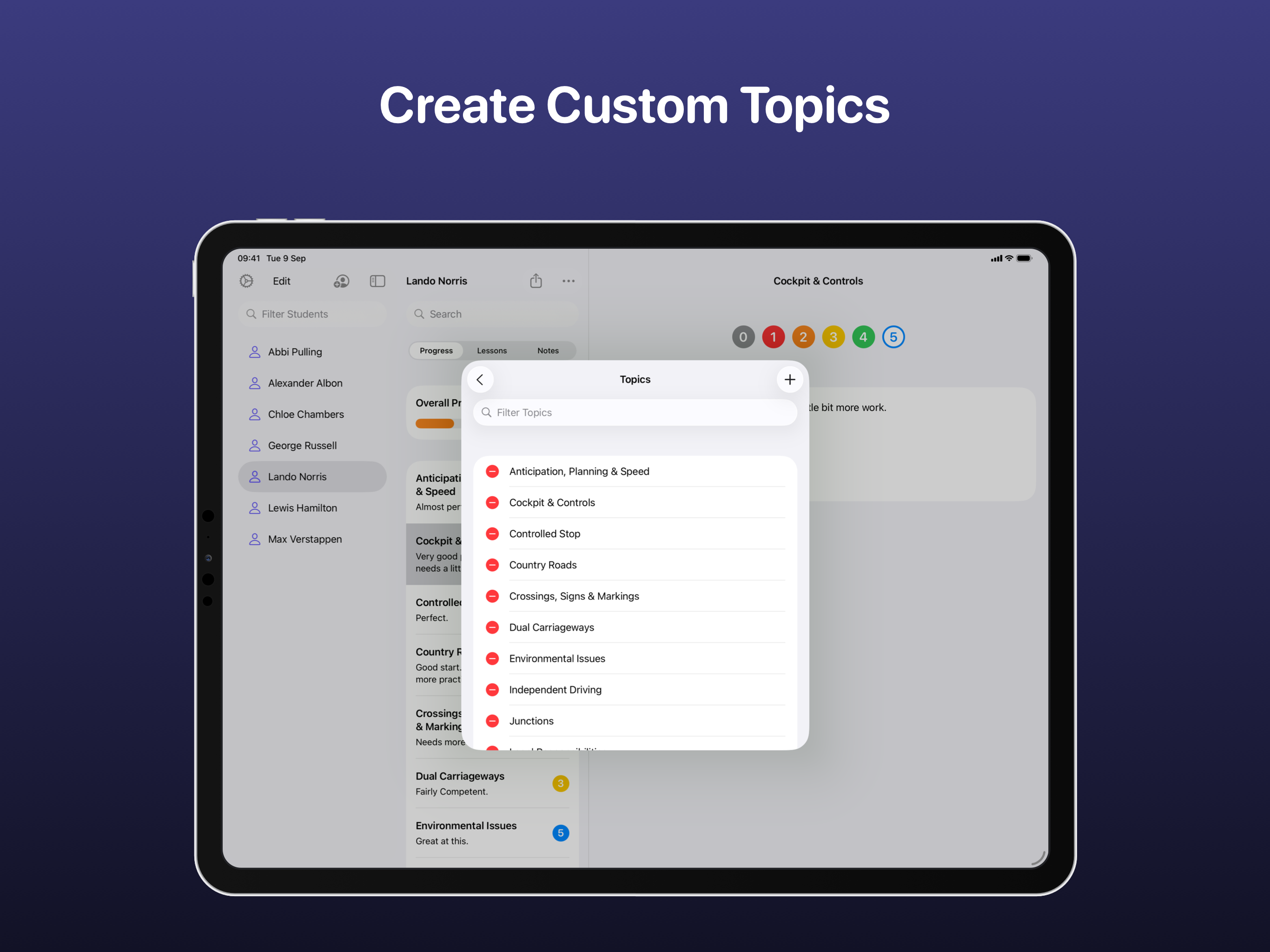
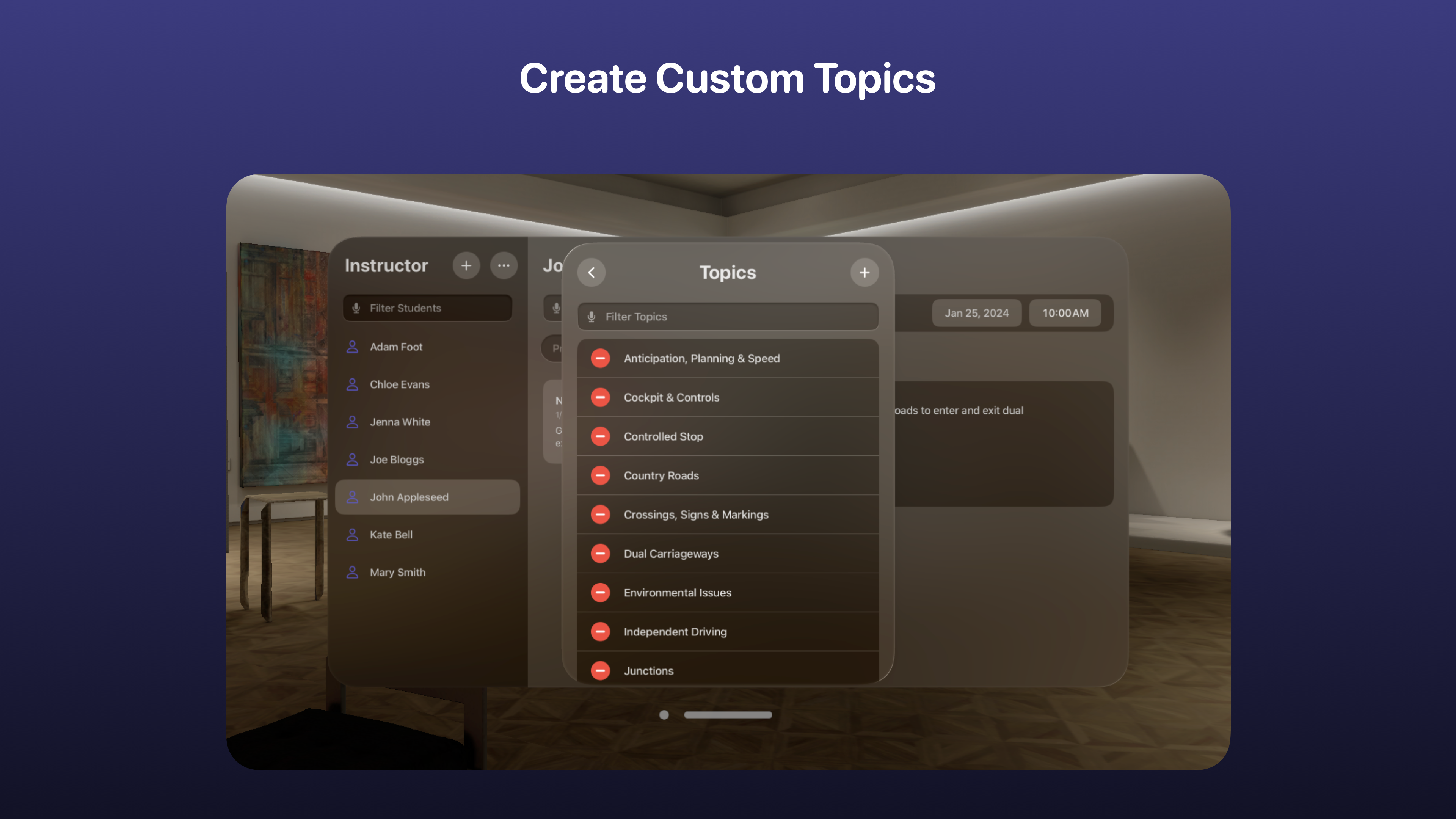
As an ADI, time management is critical which is why getting setup with Instructor is quick and simple. There are a number of preset topics that allow you to get started right away! The preset topics included are: • Cockpit & Controls • Safety Checks • Moving, Meeting & Stopping • Anticipation, Planning & Speed • Junctions • Roundabouts • Dual Carriageways • Country Roads • Manoeuvres • Controlled Stop • Independent Driving • Motorways
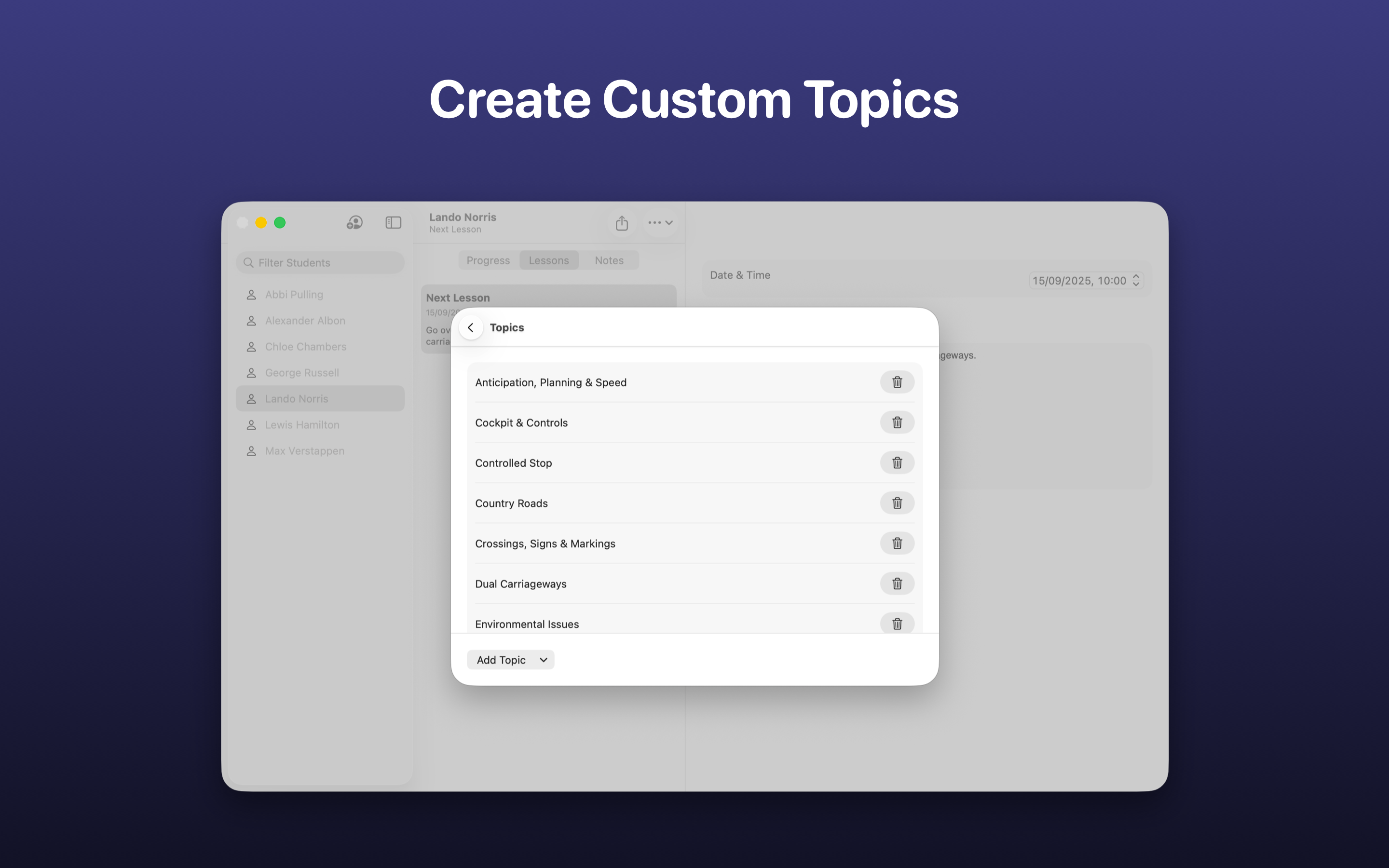
Whilst a quick setup is useful, those looking for more customisation, can also choose to create their own topics to evaluate a learner against or, remove the existing preset ones. They’re easy to create and can even be assigned on a per student basis too!
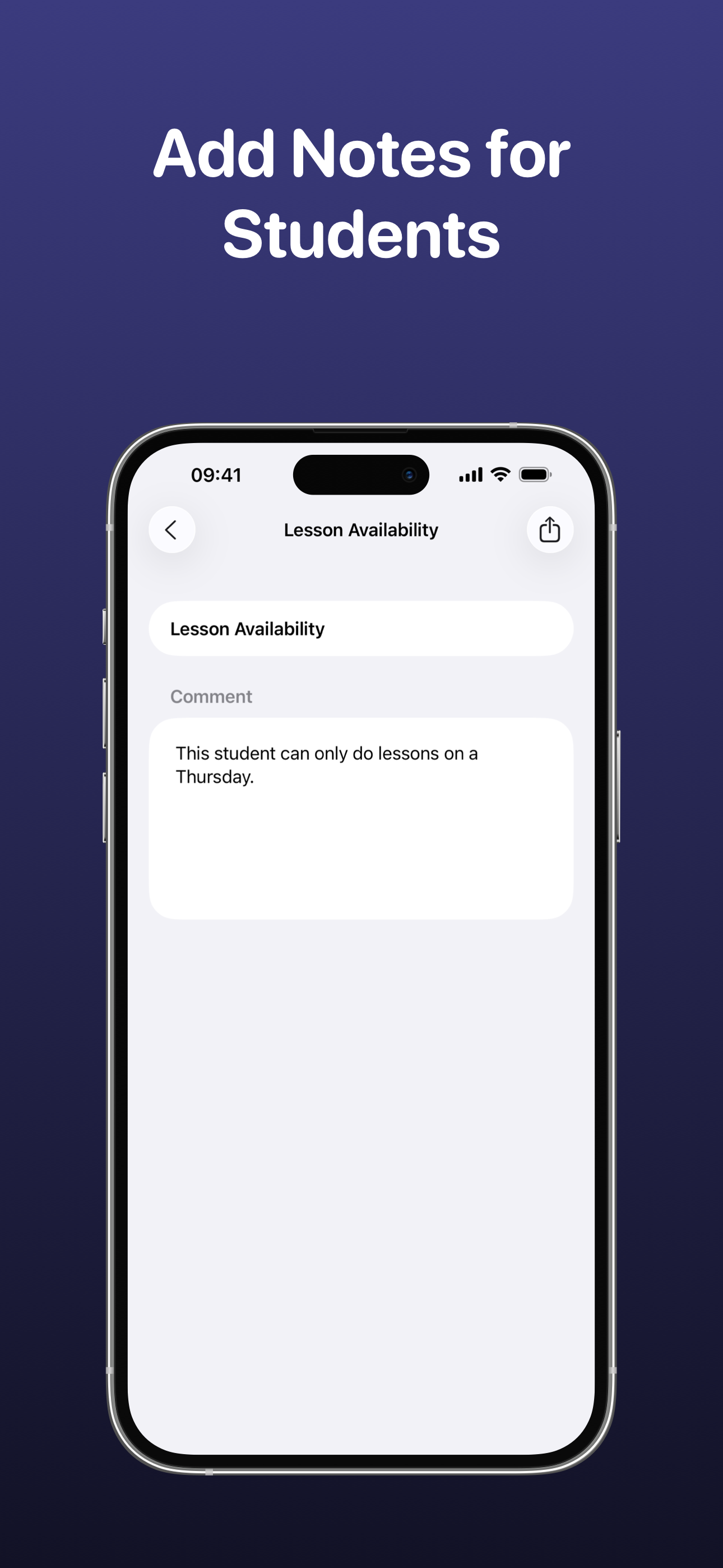
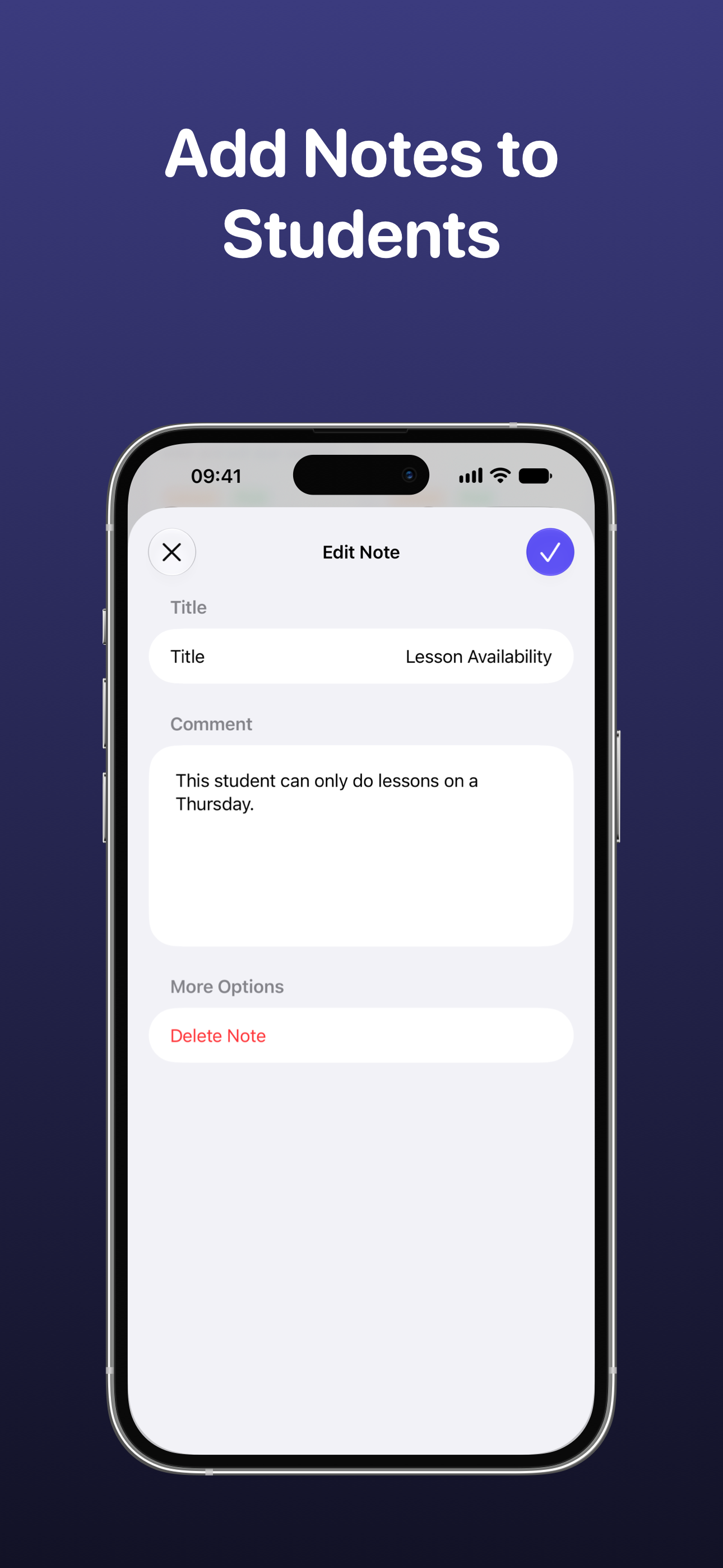
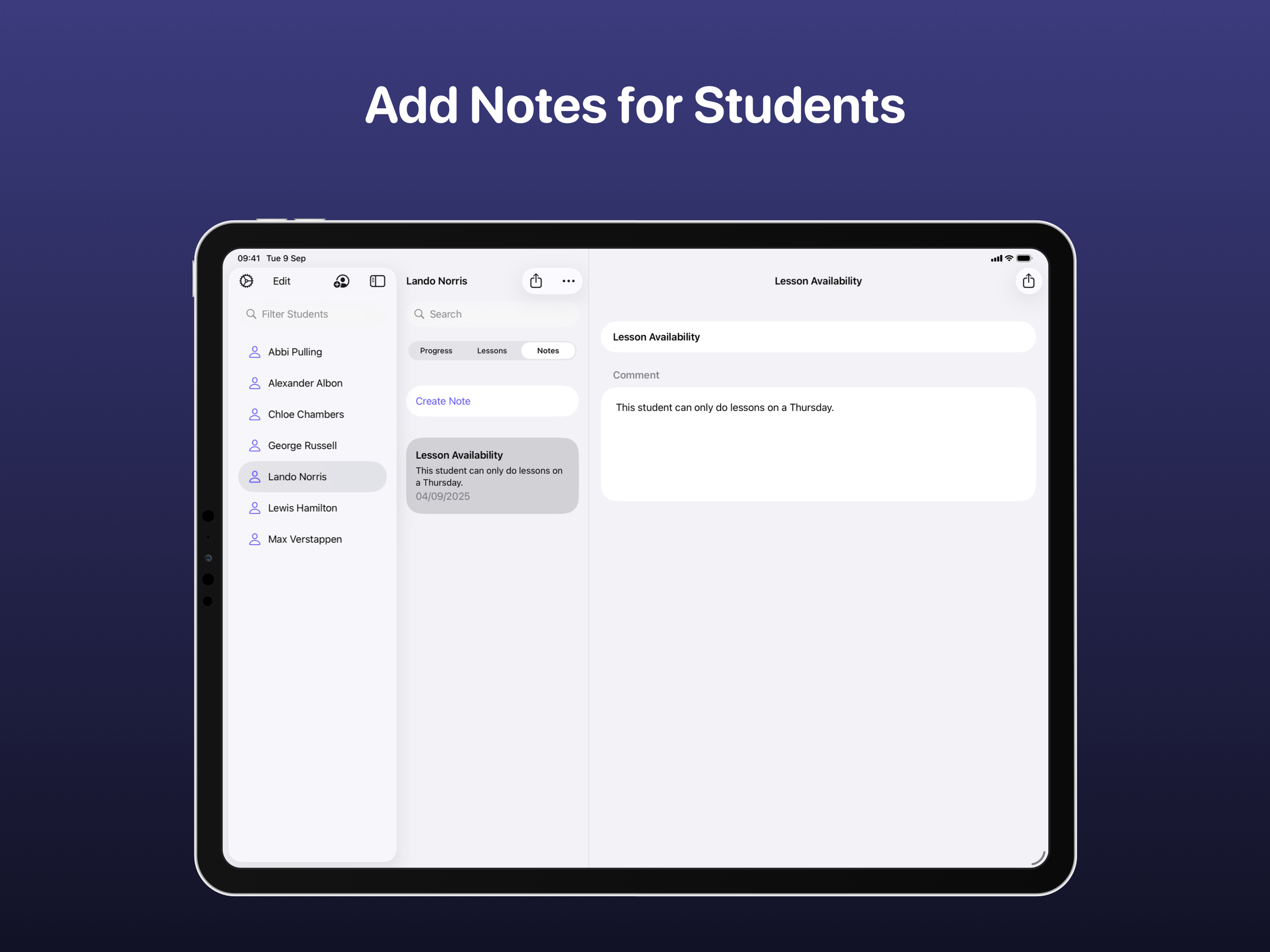
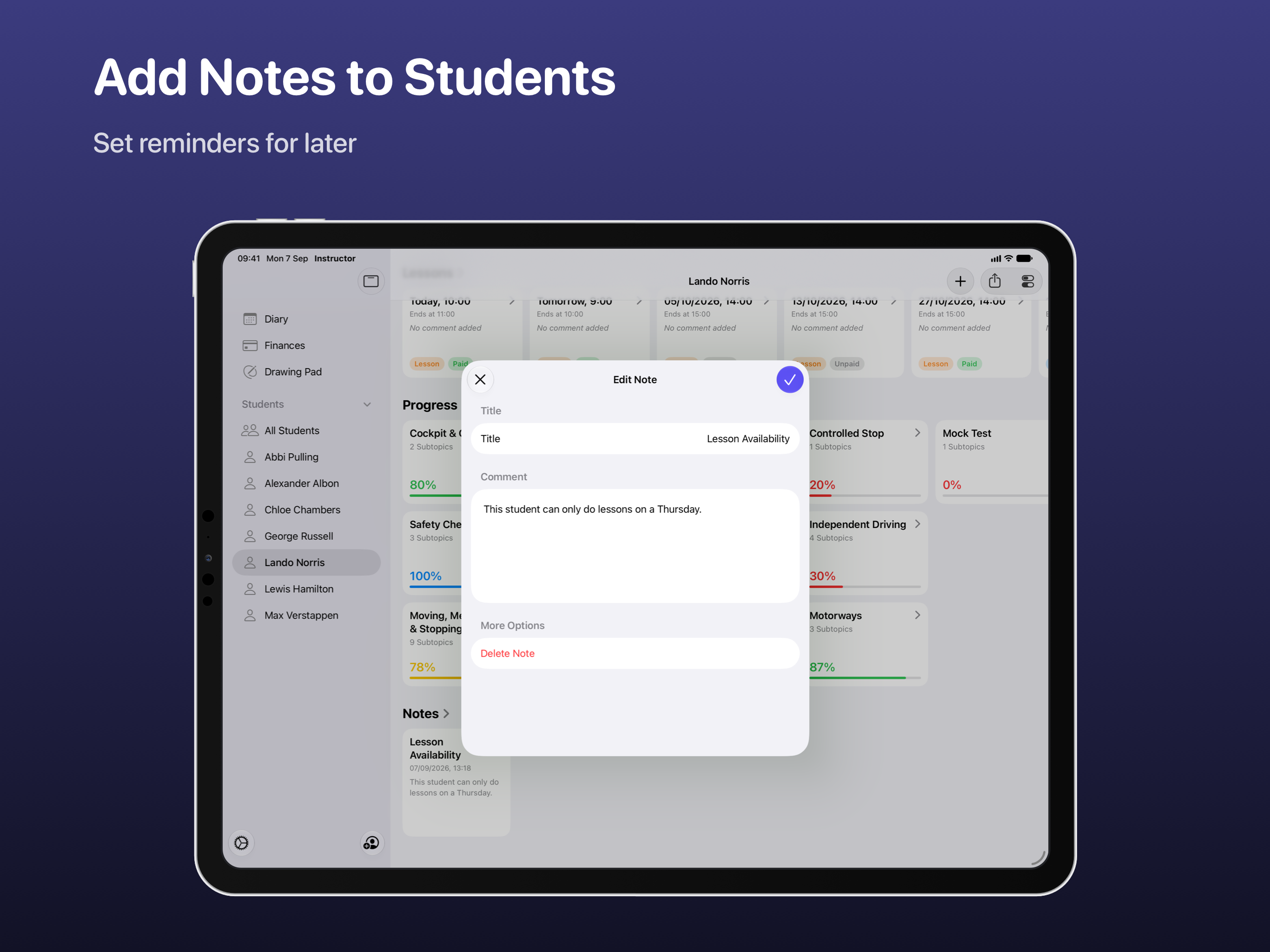
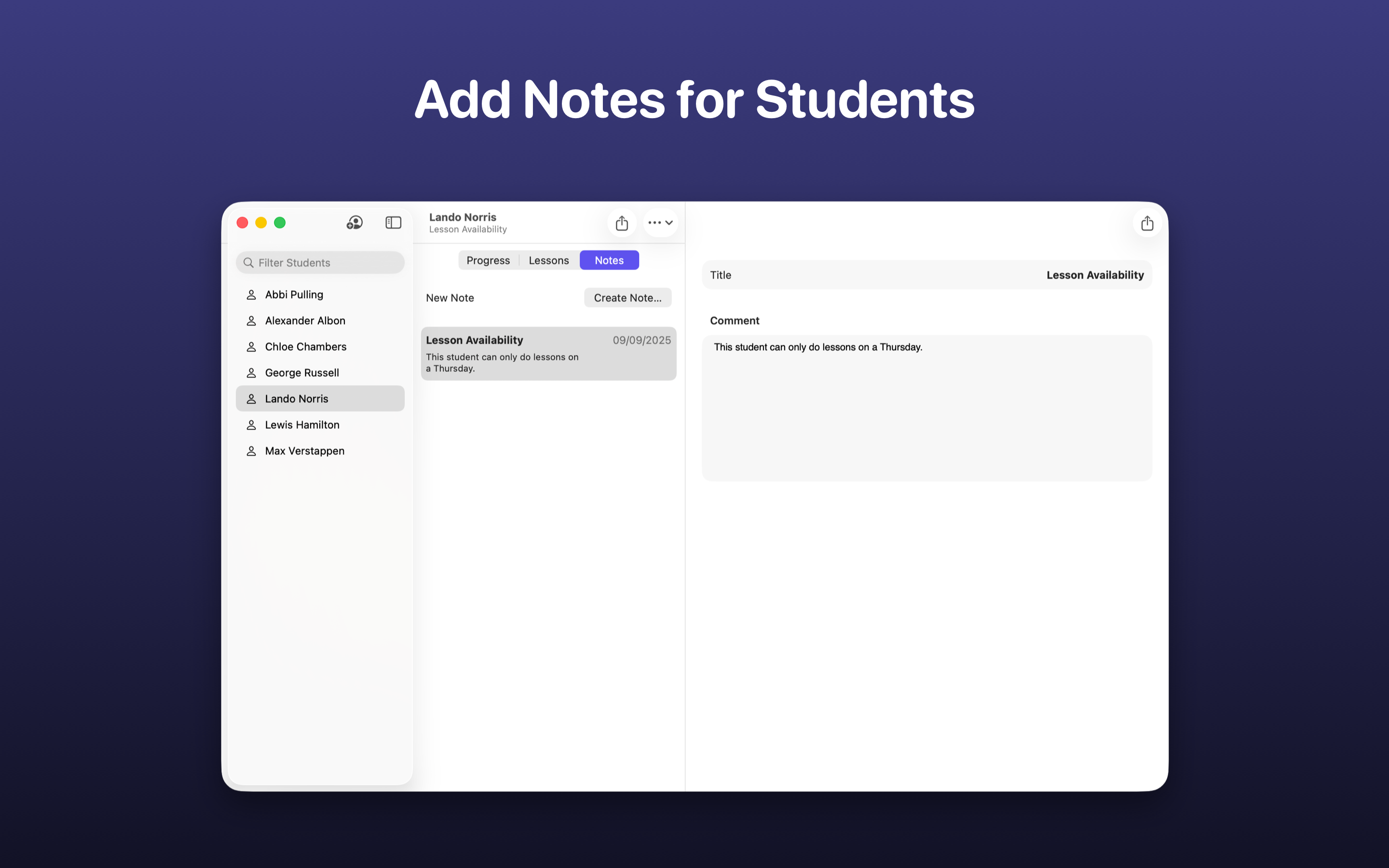
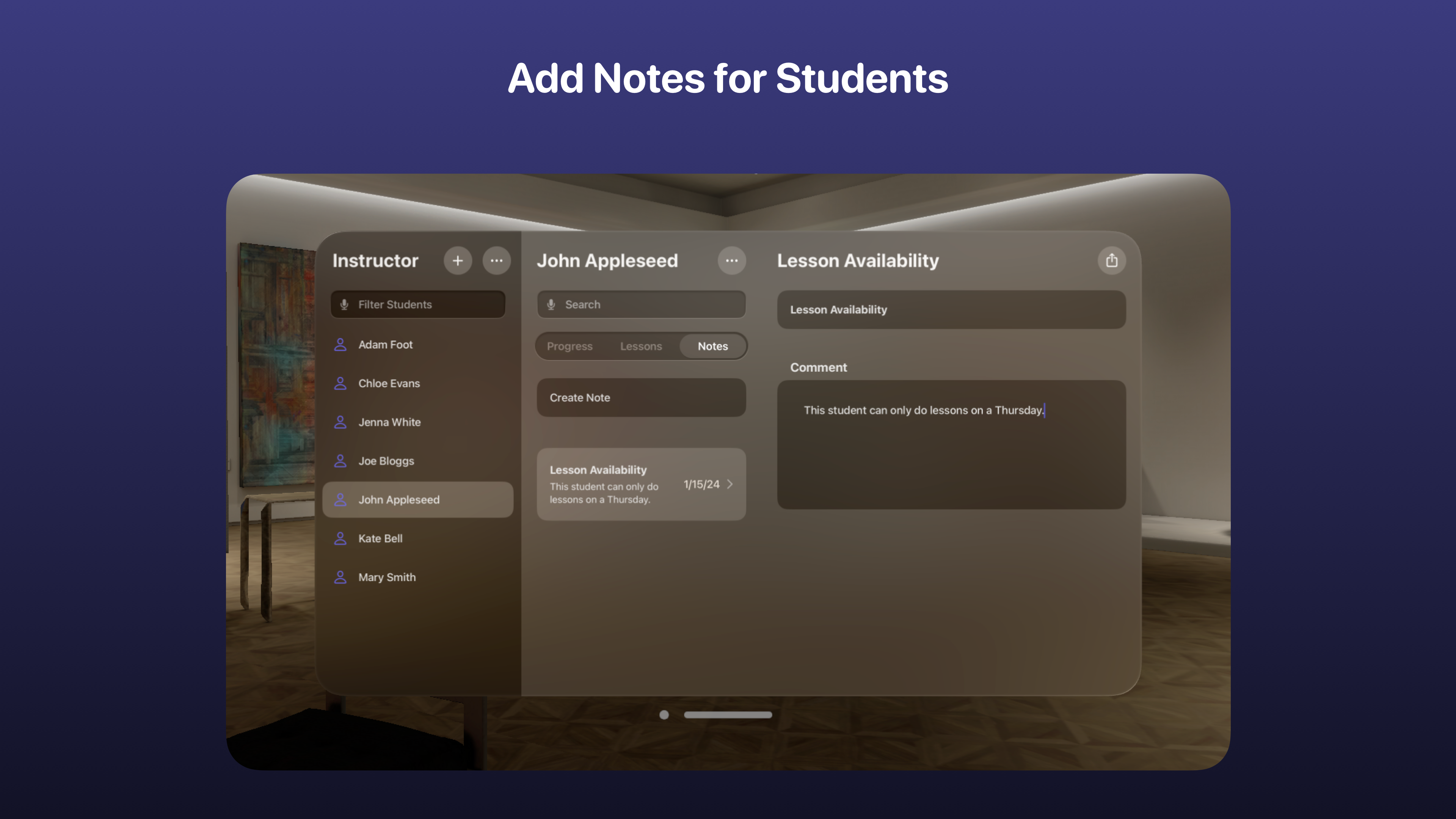
The studentʼs dashboard is where youʼll find a summary of their progress, upcoming lessons and any notes added. There is also the ability to quickly contact them or navigate to their address. At the top of the screen, summary tiles show a countdown to theory or practical tests, stats such as hours learnt and overall progress.
Manage students, update progress and much more with the power of Siri and the Shortcuts app.
Instructor has been built using SwiftUI, App Intents, Core Data + CloudKit, PencilKit, StoreKit, TipKit and User Notifications.