
Full Keyboard for Apple Watch

NanoType is a simple, full keyboard for Apple Watch. It supports QWERTY, QWERTZ and AZERTY keyboard layouts with the ability to send messages via iMessage or email. NanoType is available to download on iOS and watchOS.
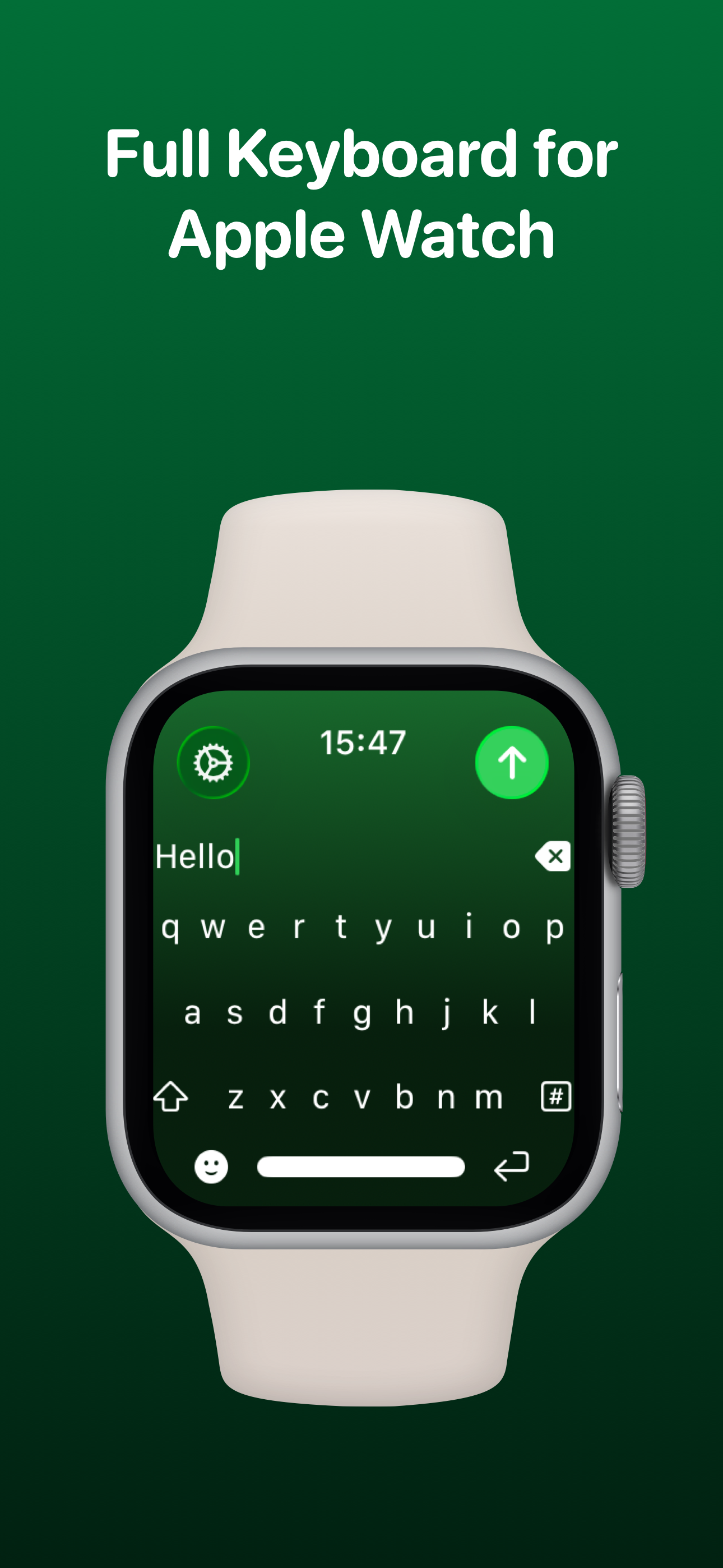
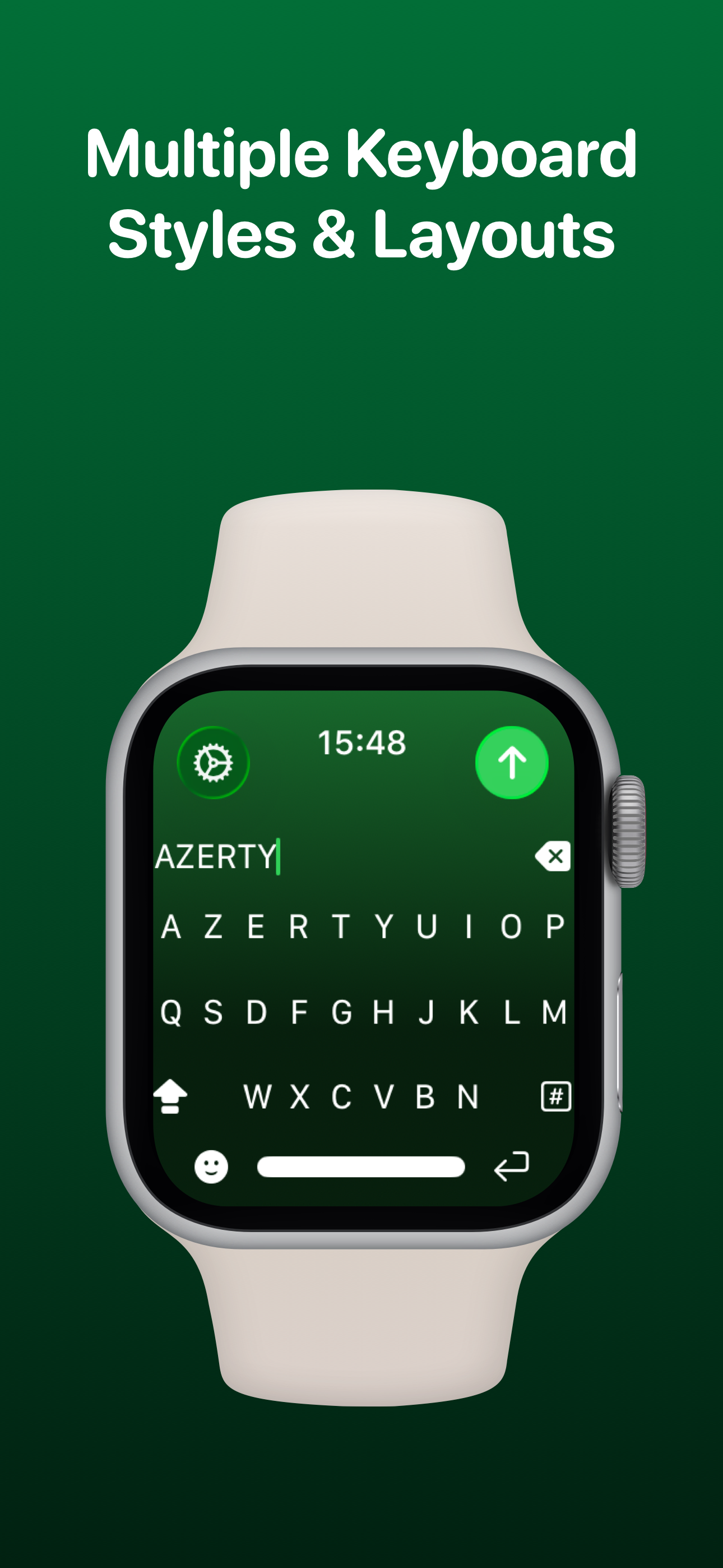
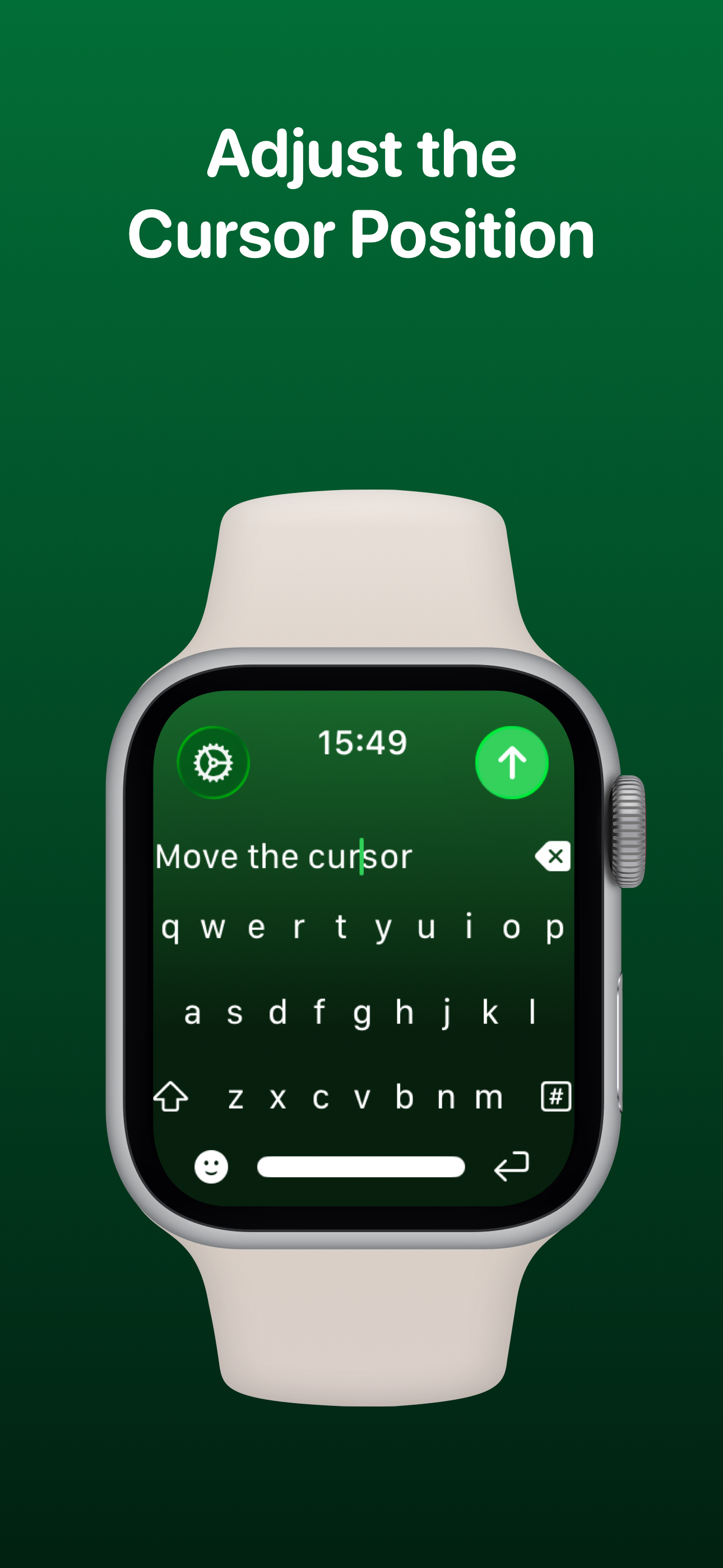
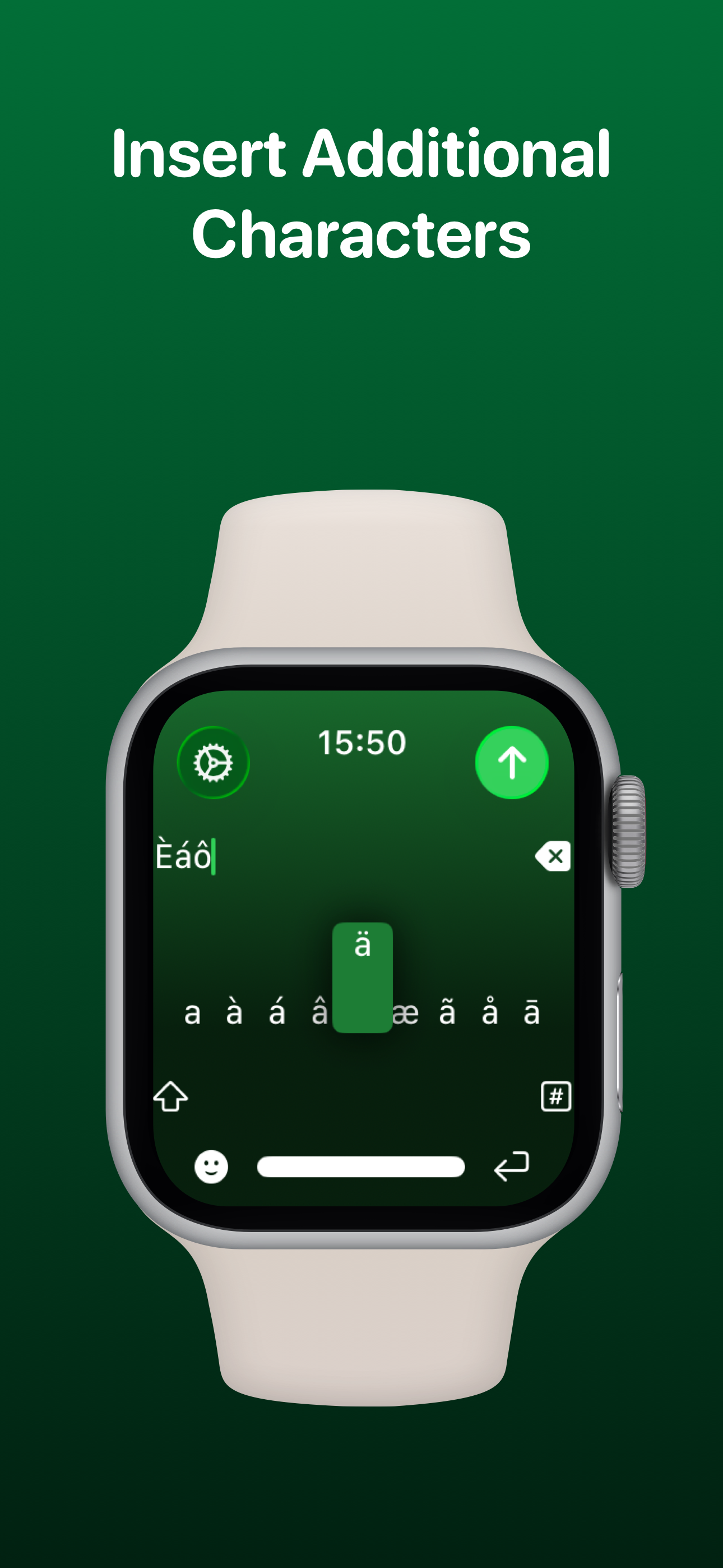
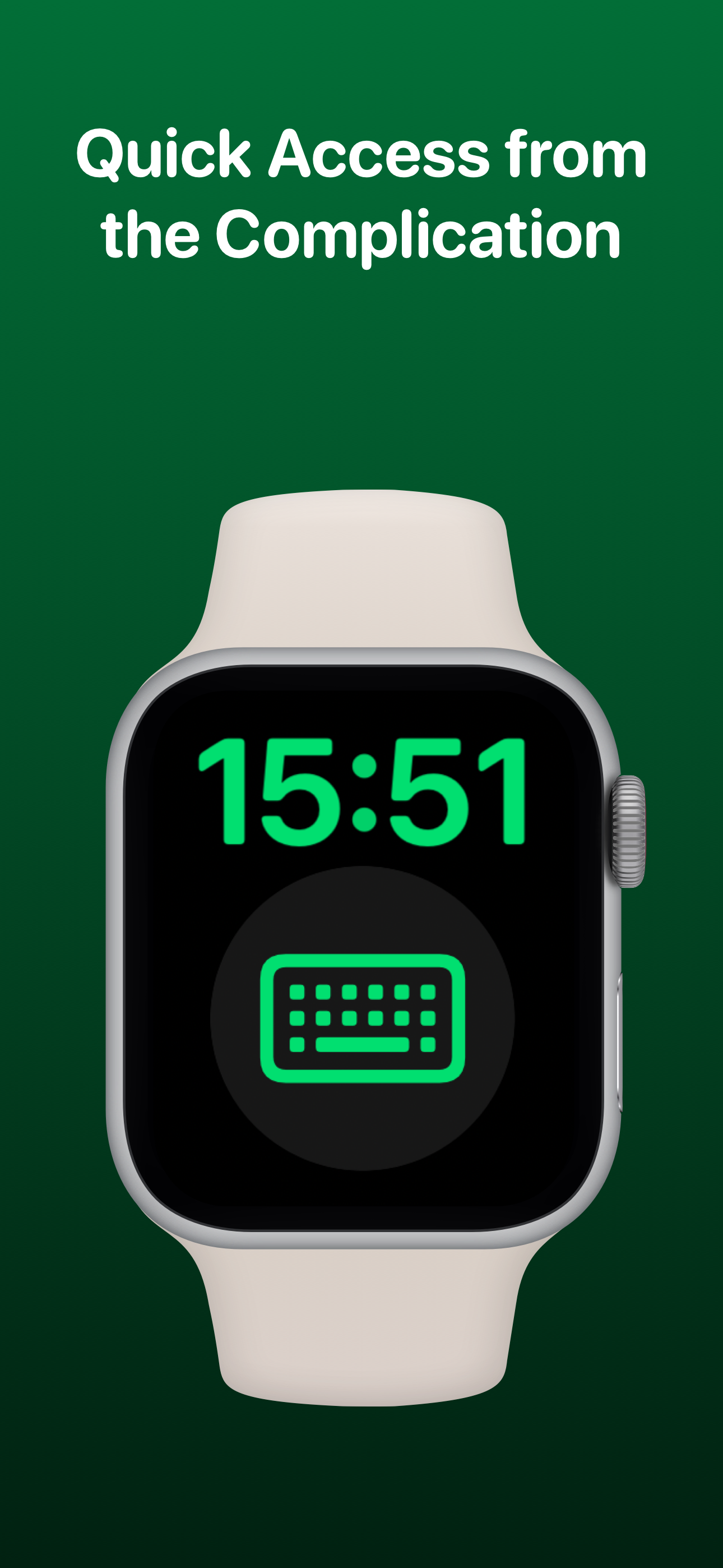
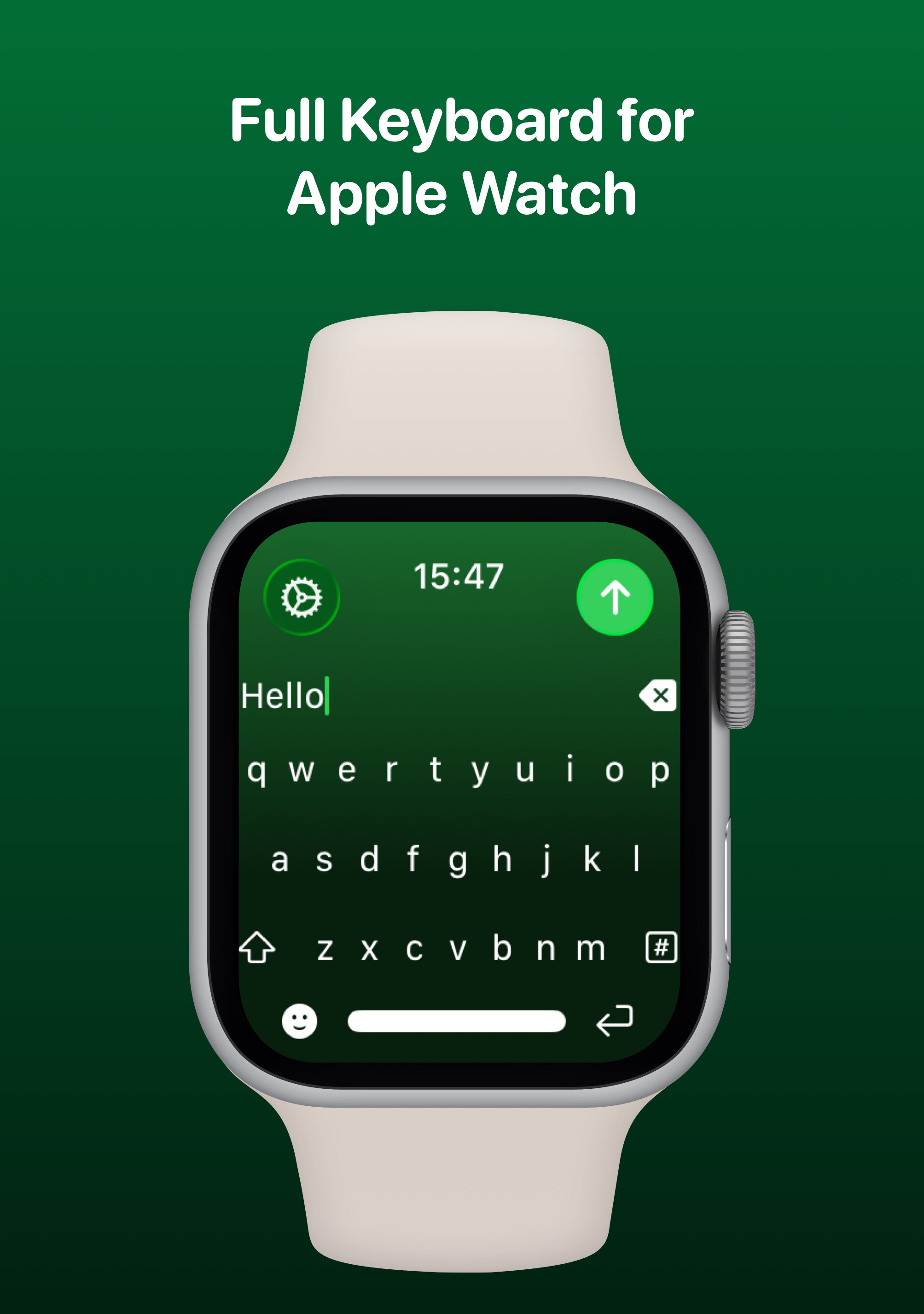
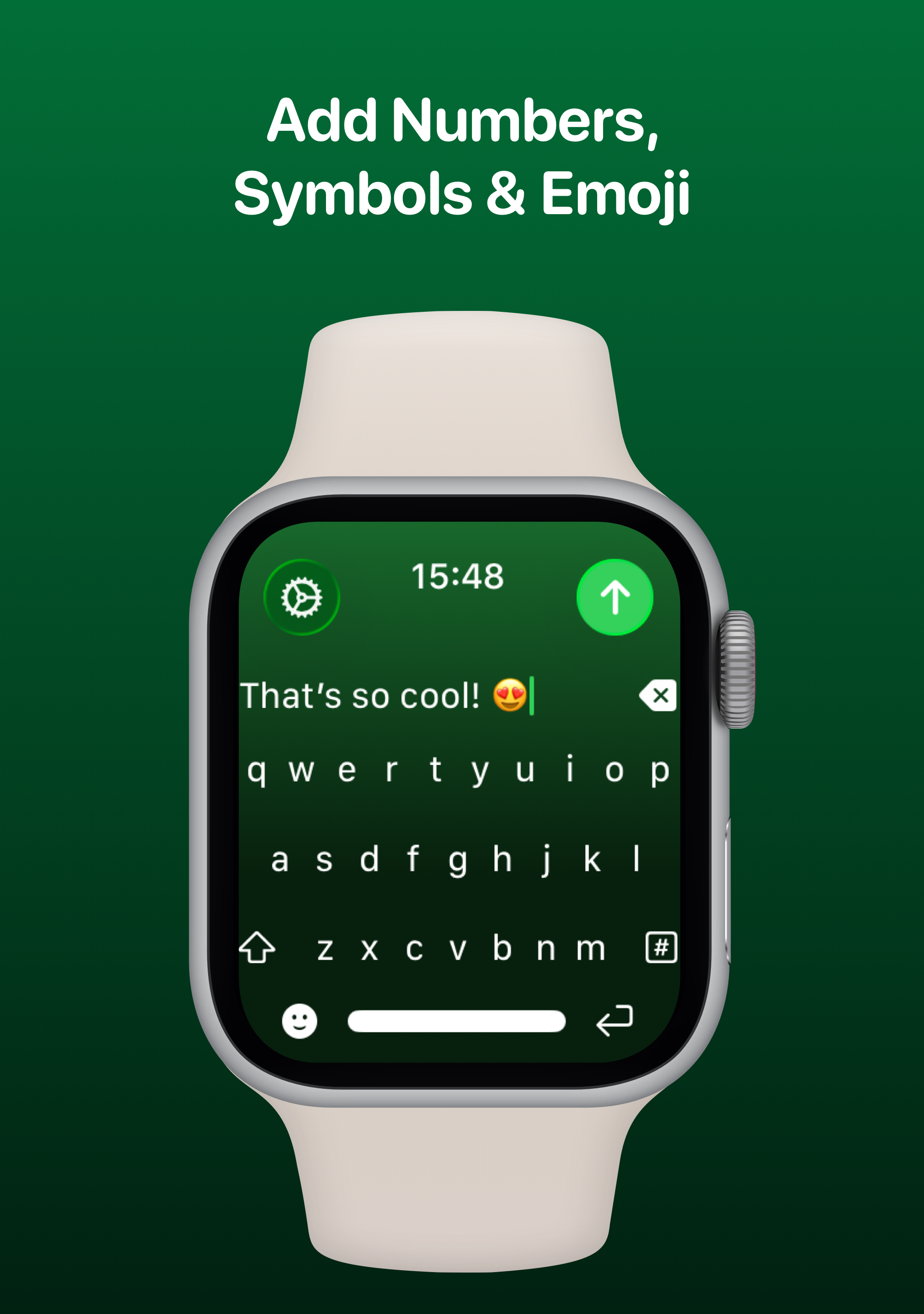
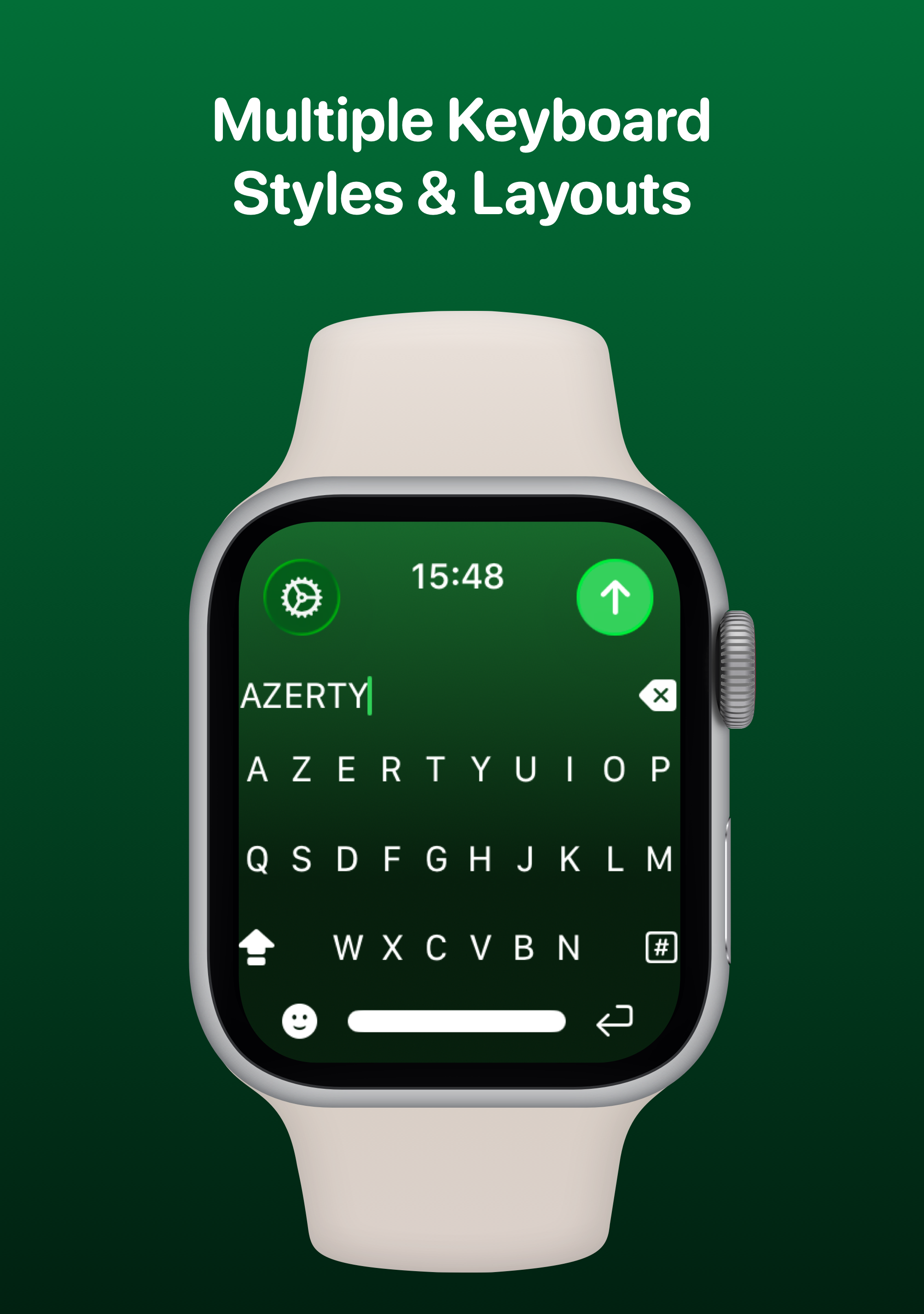
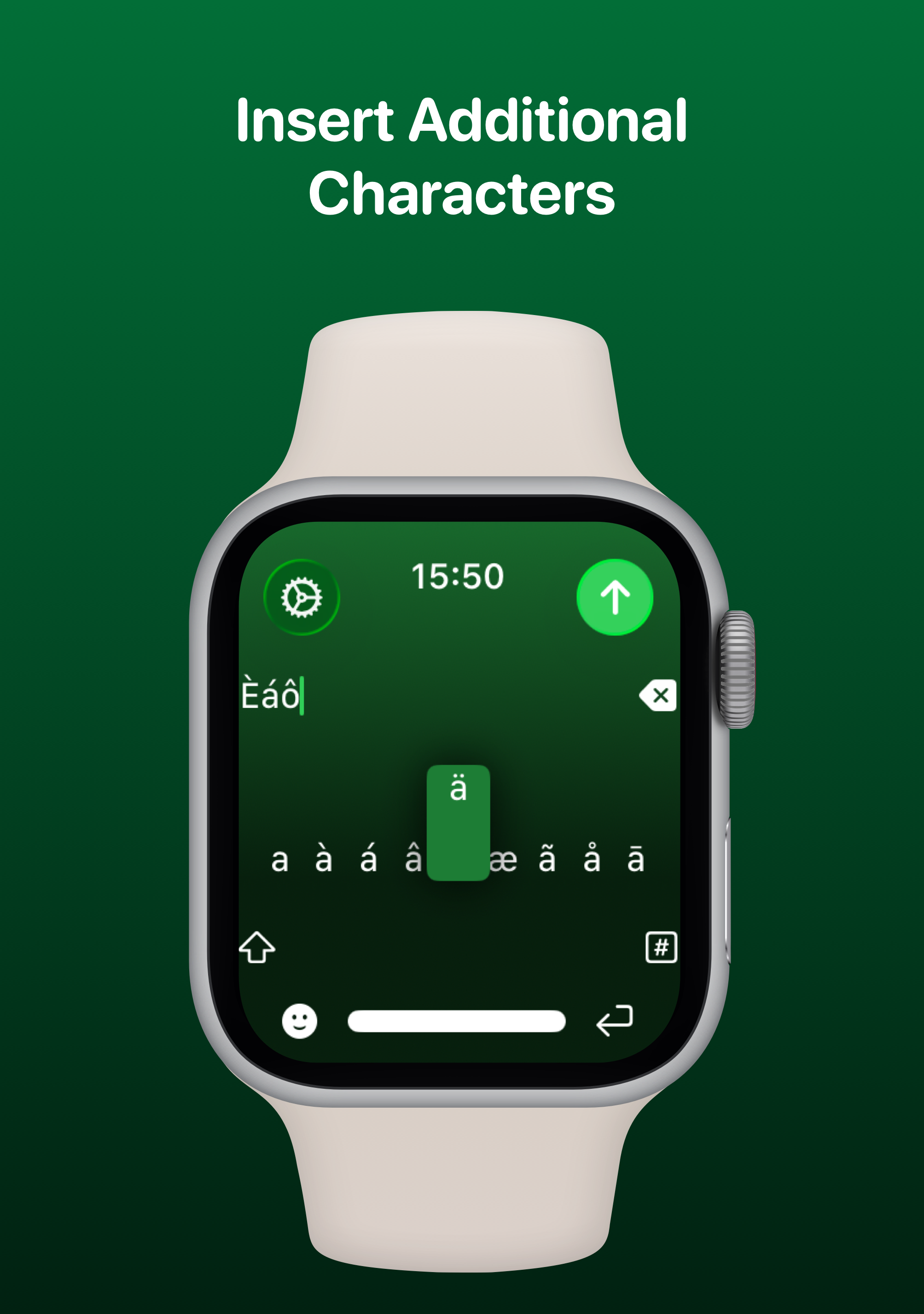
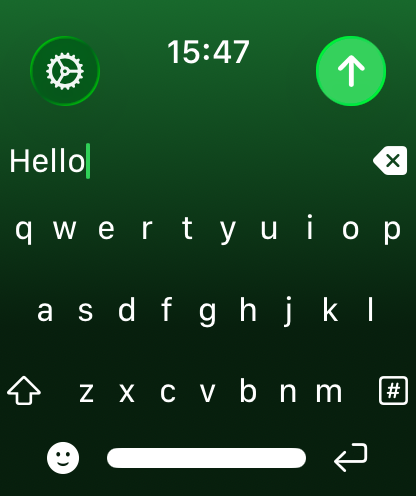
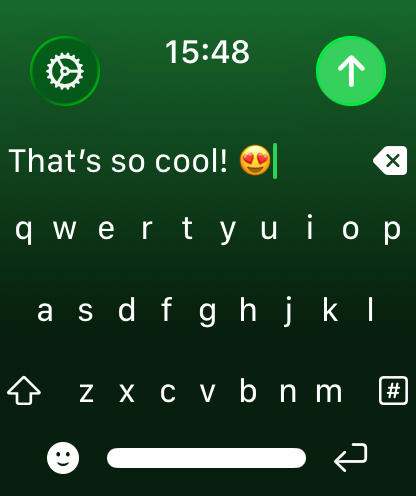
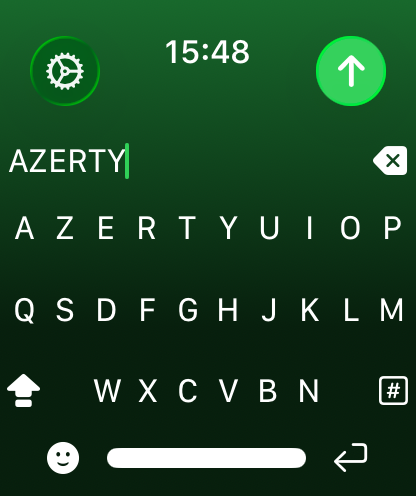
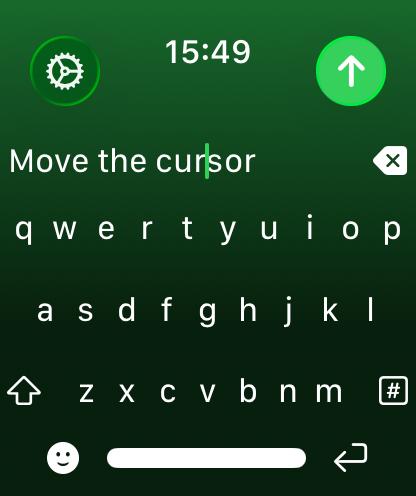
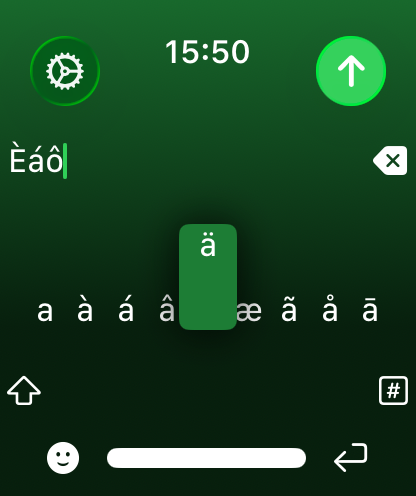
Add a full QWERTY, AZERTY or QWERTZ keyboard to your Apple Watch. Keys are easy to press and there’s support for key previews as you swipe along the keyboard.
NanoType uses the built-in Apple Messages app on your Apple Watch to send messages to your contacts. Type out your message, tap the send button and you’ll be taken to the Messages app with your message ready to go! There's support for the Apple Mail app too so you can emails all from your wrist!
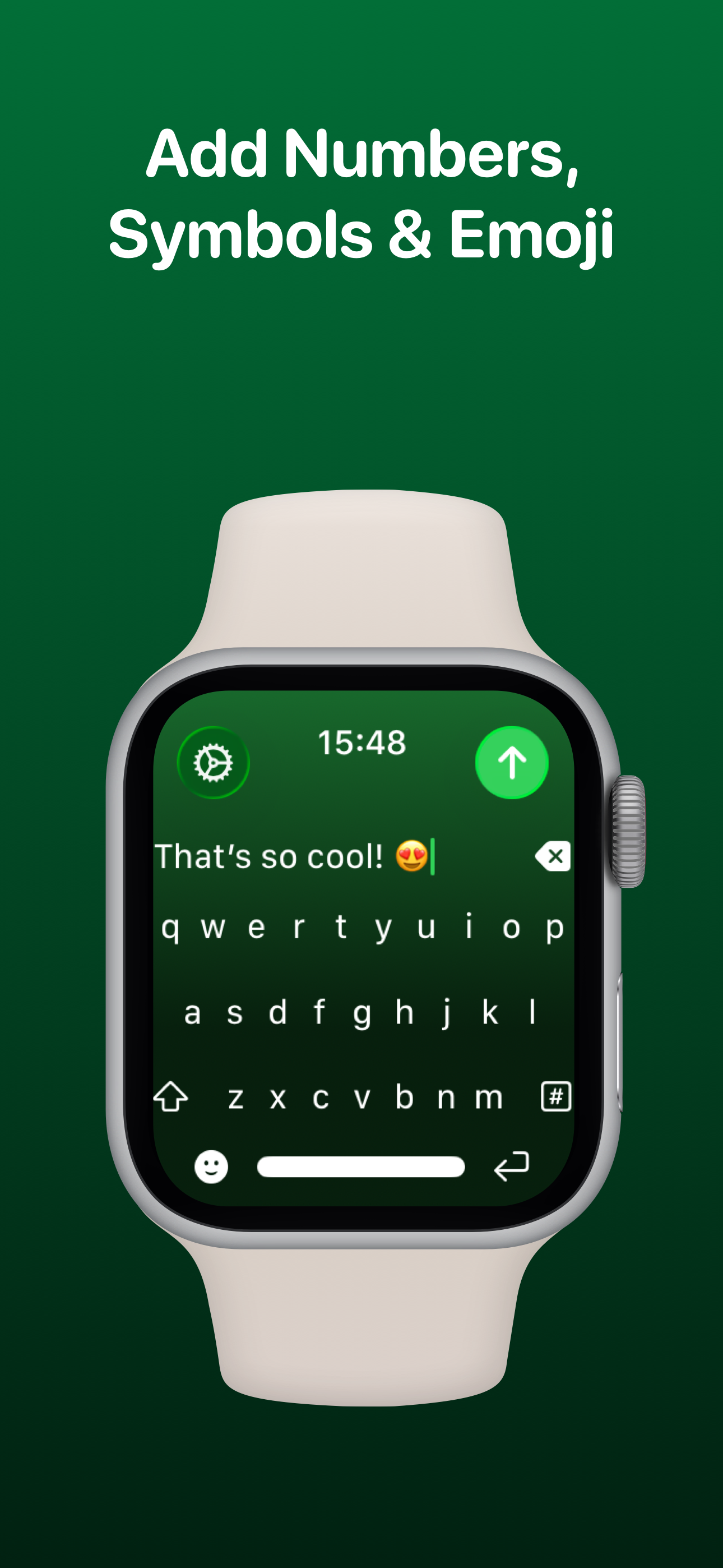
NanoType has full support for adding symbols, numbers and other special characters.
NanoType supports adding an unlimited amount of emoji to a single message! Simply tap the emoji icon to get started and pick from Apple’s library, or one of your most recently used ones.
Before sending your message, just tap the text field to view a full preview of your message.
Choose to receive Haptic Feedback on actions like key presses and button actions.
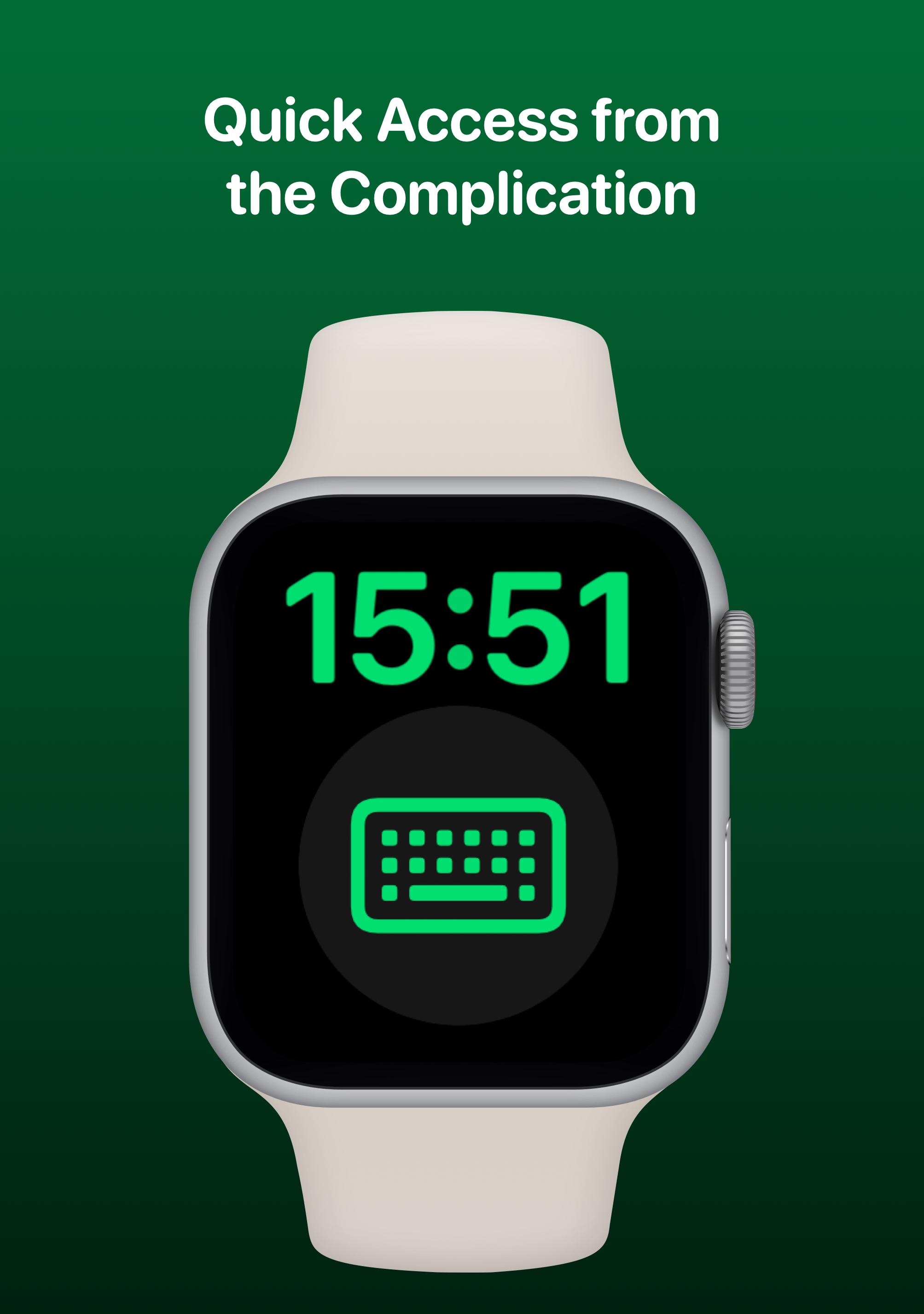
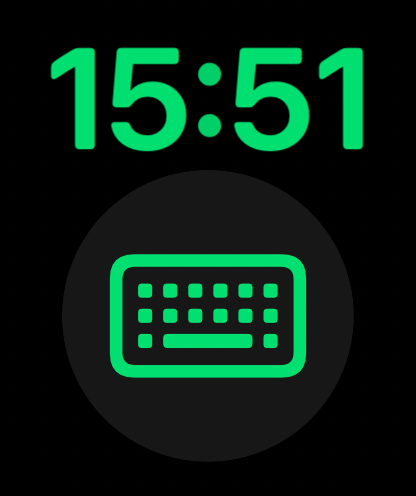
For quick and easy access, you can add the NanoType Complication to your Watch Face. Just tap and the keyboard will launch.
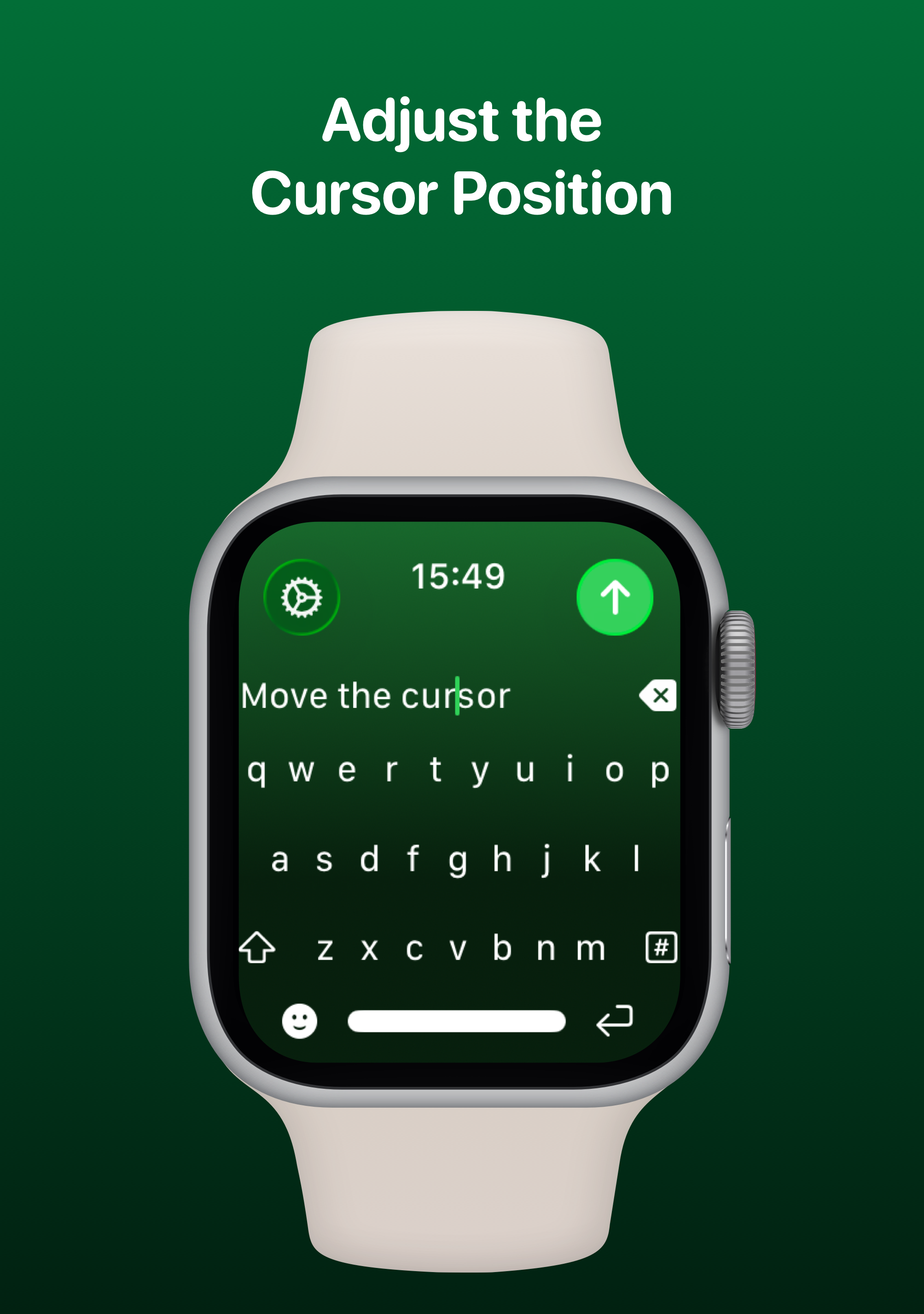
Whilst typing on the keyboard, you can see exactly where you are with the pulsing blue cursor. Use the Digital Crown to move the cursor's position.
Customise NanoType your way. Access the Settings menu by using the options button on the keyboard and you’ll be able to change the layout, toggle haptics & more.
NanoType has been built using SwiftUI and WidgetKit.